

Space Simulation Toolkit
Offers


Trailers & screenshots
1 / 16
About Space Simulation Toolkit
Space Simulation Toolkit is a physics sandbox where worlds are made of particles and simulated live on your graphics card. You can adjust gravity, heat and material properties, then watch how the simulation responds.
Worlds and simulations
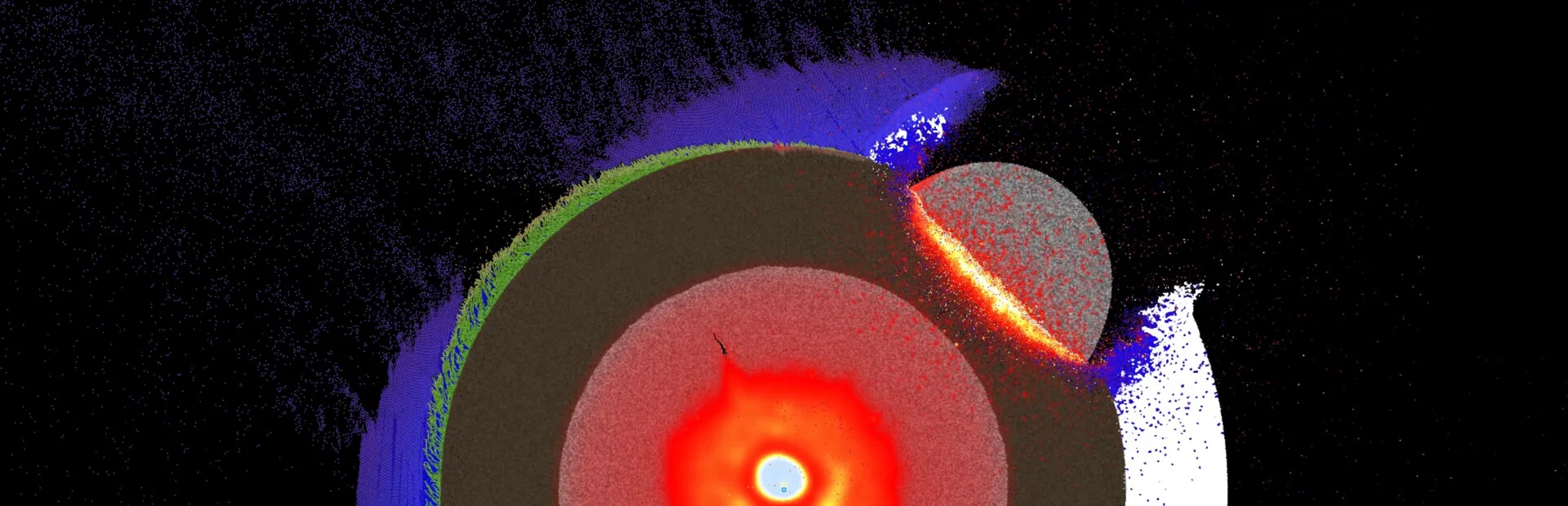
In the Asteroid² scene, asteroids fall onto a layered planet with an ice shell, an ocean, earth and a molten lava core. The layers are made of particles with individual mass, heat and strength. Rock heats as it shatters and can melt, so impacts can unfold differently. You can pause the simulation at any moment and inspect a piece of debris for its mass, temperature and speed.
In the Star scene, a cold, spinning cloud of ice and lava collapses under its own gravity to form a star, while clumps of debris continue to circle it. The Self Gravitating Disk simulates up to millions of particles pulling on each other; the spinning disk breaks into swirls and clumps, and added matter contributes its own gravity.
Gravity views
Choose Gravity in the Views panel to display a scene’s gravity as a colour map with isolines. In the Star scene, the map tracks the pull of the particles as the cloud collapses; in Planets, it shows the combined fields of the planets. You can colour the map by potential, strength or the x and y components of the pull, using one of three palettes.
Growing life
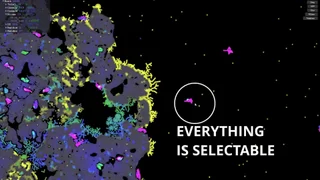
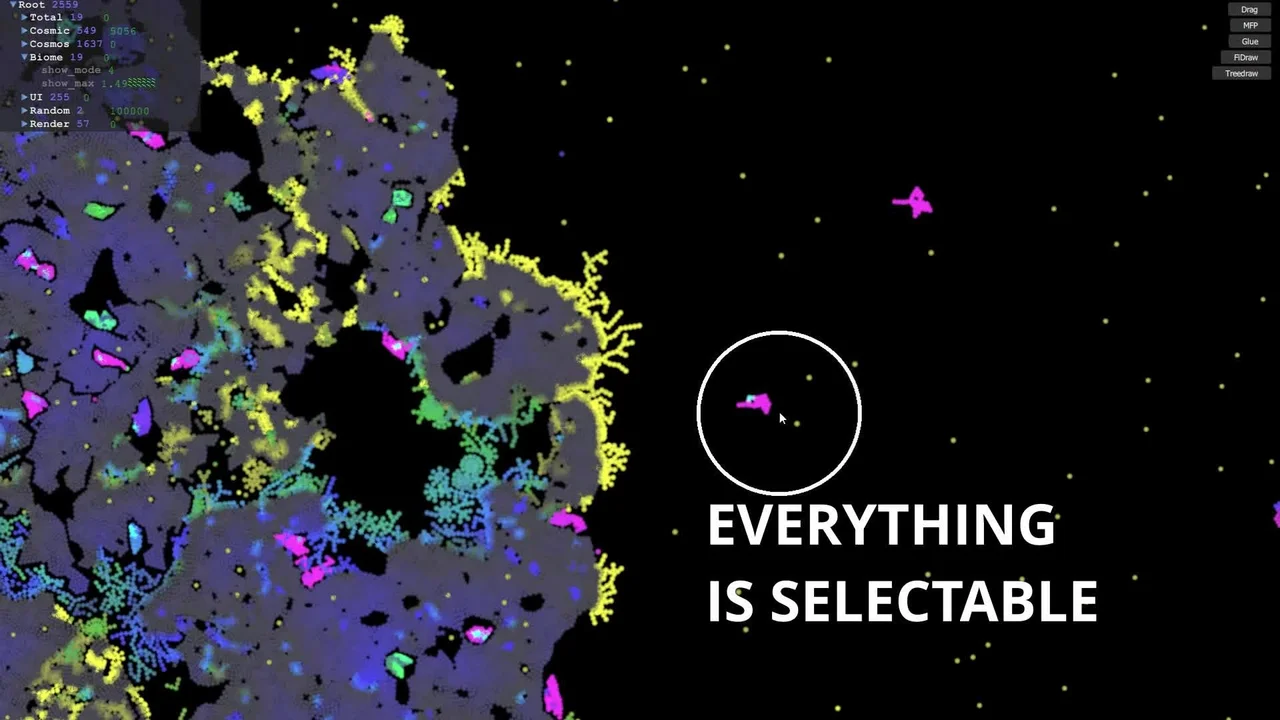
In Biome, each seed carries DNA that determines how it grows as it gathers water and sunlight and builds a plant cell by cell. In Protobiome, herbivores eat plants and carnivores hunt herbivores. Newborns inherit DNA with occasional mutations, so forms change from generation to generation.
Build and test machines
You can construct tanks from particles and fire shells at them to test their armour. Links hold each plate together and snap under load, allowing shells to tear the armour open or punch through it. You can also drive ready-made machines, including the Chassis and the Icebreaker, with the arrow keys. Solar panels power their rotors and lasers; their links can snap and their metal can melt like other matter in the simulation. Select any part of a world, edit it as a group and save it as your own item.
Workshop sharing
The in-game Workshop lets you browse, search, vote on and subscribe to other players’ worlds and item packs, as well as publish your own. Downloaded items continue to work when Steam is offline. Item packs can contain sets of items such as projectiles or coloured sand, which can be pasted into both Planet and Biome.
Measure and align
A selection box displays a ruler with its diagonal, sides and area in world units and grid steps. You can enable a hexagonal or rectangular grid, set its angle and step, and snap your drawing to it to build machines from exact parts.
Frequently asked questions
The best price for Space Simulation Toolkit is $17.77 at Steam. It is the only shop with an offer that activates in your country.
The minimum requirements for Space Simulation Toolkit are: Windows 7, Intel Core i3, 2 GB RAM, 1 GB storage. It runs on Windows only. The recommended specs are in the System requirements section.
No. Space Simulation Toolkit is a single-player game.
No. Valve rates Space Simulation Toolkit as Unsupported on the Steam Deck.
Yes. Space Simulation Toolkit is the full base game. You need nothing else to play it.
Steam lets publishers create keys to sell in other shops. Once you activate a key, the game is yours to keep, just like a store purchase.
Disclaimer: CD keys have an inherent 1–2% average failure rate. Check the shop terms for buyer protection info. Steam offers no buyer protection for keys bought in other shops and doesn't refund them.
Similar games
Kerbal Space Program
−84%$6.28
$39.9923 offers
Spaceflight Simulator
$14.99
2 offers
Hardspace: Shipbreaker
−95%$1.71
$34.9916 offers
Simple Rockets
−76%$1.86
$7.998 offers
Universe Sandbox Legacy
$20.36
7 offers
Space Engineers
−55%$8.83
$19.9913 offers
Crazy Machines 3
−96%$0.39
$9.9917 offers
Starship EVO
$24.99
1 offer
Astrox Imperium
$14.99
2 offers

Fun with Ragdolls: The Game
−98%$0.29
$14.9910 offers
Beltmatic
$6.99
1 offer
SpaceEngine
$29.99
1 offer