

Command Ops 2
Offers


DLC

Trailers & screenshots
1 / 6


About Command Ops 2
Command Ops 2 is a pausable, continuous-time simulation of operational-level World War II warfare. You command forces at Corps, Division and Brigade level by assessing the situation, planning maneuvers, issuing orders and reacting to enemy developments. The scenarios included with the Core focus on the 1944 Battle of the Bulge: the tutorial Return to St Vith, Manhay Crossroads and Greyhound Dash.
Command at the operational level
The simulation models continuous time and space, realistic command structures and processes, macro management and delays in carrying out orders. It has no hexes or turns, and you do not need to micromanage every unit. You can choose where to intervene and when to let subordinate commanders handle their tasks. Orders include attacks, bypasses, ambushes, managing stragglers, basing, retaking positions, avoiding friendly forces and resting at night. Timing controls help coordinate tasks, while supply-level settings let you set resupply priorities.
You can automate units and let the friendly AI manage smaller formations while you plan larger maneuvers. The AI can manage subordinate commanders and micromanagement, allocate forces, schedule tasks and react to changing situations. The enemy AI probes for weaknesses, launches coordinated attacks and responds to your movements. Both friendly and enemy forces can reassess and react to developments.
Movement and battlefield systems
Units can use different route-finding approaches: move quickly at the risk of exposure, avoid enemy firepower, follow covered terrain or take a safer but slower route. Formation movement includes phase lines, and pathing tools estimate travel time. The game also includes automated bridge building, enhanced sighting and basing systems, and map patterns that change with the weather.
Force groups support cross-attachments and different ways to display the order of battle. Advanced force-allocation algorithms help keep your army balanced. You can review weapon and vehicle performance in Estab Data views, and use the Plan, Fire Support, Reinforcement and Supply Arrival dialogs to manage orders, artillery, new arrivals and resupply. A filtered message log, autosave and configurable interface are also included; dialogs can be arranged across multiple screens, and the layout is remembered.
Scenarios and tools
Interactive recordings let you replay a battle and change your orders at any point to try a different course of action. Scenario options include multiple random reinforcement schedules, providing varied playthroughs. Situation Awareness Maps help with scenario selection.
The included editors let you create or modify maps, scenarios, forces, equipment, ammunition and formations. MapMaker creates maps, ScenMaker creates scenarios, and EstabMaker and EstabEditor support force and equipment data. You can also modify aspects such as map patterns and victory messages, and use a range of force lists to create scenarios quickly.
Forces and equipment
The game includes extensive unit, vehicle and weapon data for German, American, British and Italian forces. The construction tools let you create or edit units, equipment, ammunition and formations.
Frequently asked questions
Yes. Command Ops 2 is free to play on Steam, so there is nothing to buy to start playing.
The minimum requirements for Command Ops 2 are: Windows 7, 2 GB RAM, 2 GB storage. It runs on Windows only. The recommended specs are in the System requirements section.
No. Command Ops 2 is a single-player game.
Yes. Command Ops 2 is the full base game. You need nothing else to play it.
Similar games
Steel Division 2
−68%$12.53
$39.9916 offers
Unity of Command II
−88%$3.31
$29.9913 offers
Gary Grigsby's War in the East
−83%$13.24
$79.9916 offers
States of Power
$11.99
1 offer
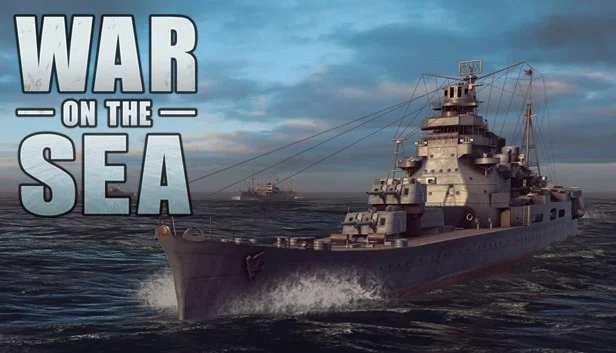
War on the Sea
$39.99
1 offer
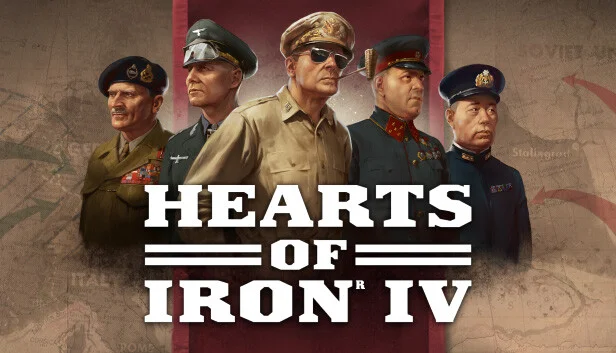
Hearts of Iron IV
−76%$11.82
$49.9914 offers
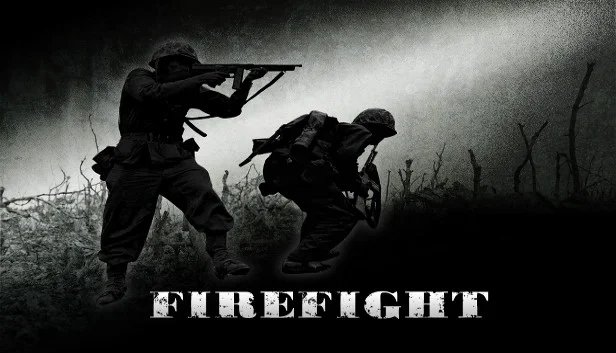
Firefight
−13%$17.21
$19.992 offers
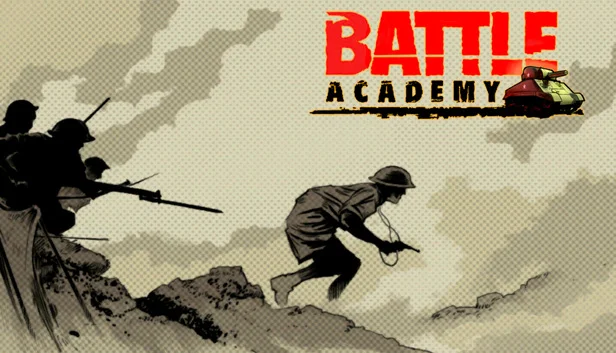
Battle Academy
−97%$0.41
$14.998 offers
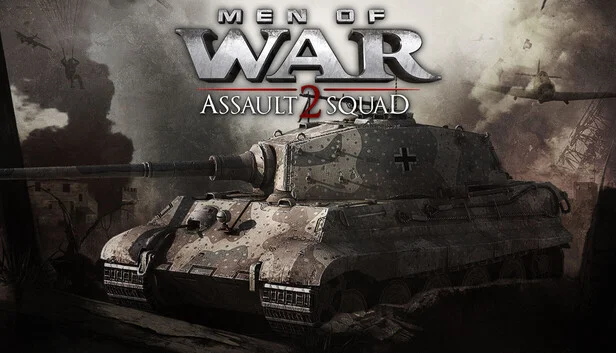
Men of War: Assault Squad 2
−87%$3.72
$29.9921 offers
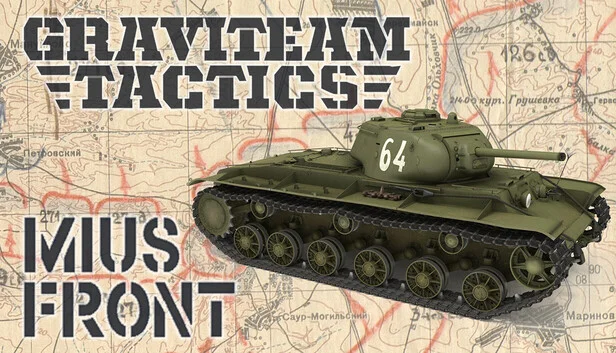
Graviteam Tactics: Mius Front
$34.99
1 offer
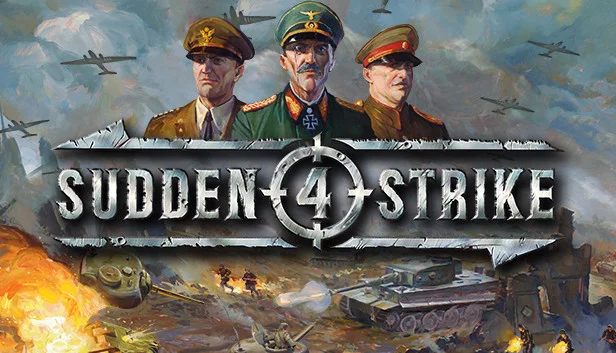
Sudden Strike 4
−89%$2.06
$19.9918 offers
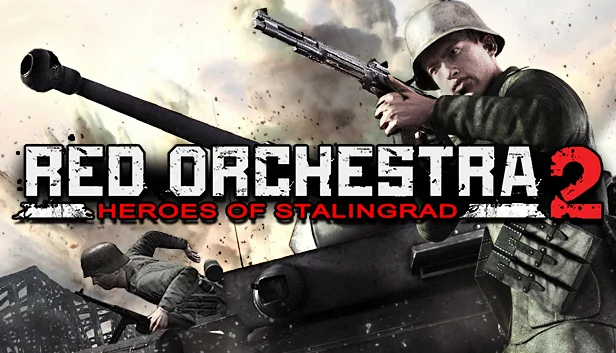
Red Orchestra 2: Heroes of Stalingrad
−91%$1.70
$19.9913 offers