

Typing Simulator
Offers


Screenshots
1 / 8


About Typing Simulator
Typing Simulator helps you improve your touch typing through a curriculum built around word and letter frequency. It tracks your in-game performance locally and uses that data to tailor your experience. You can practise, measure your progress, compete with friends and write in a distraction-free environment.
Learn to type
The curriculum focuses on helping you type quickly and easily in everyday use, ideally without looking at your hands. The Speed Test lets you measure and track your progress and compare your results with friends and other players. It also tracks accuracy, errors, consistency and habits that can lead to repetitive stress injuries.
Game modes
The game’s modes combine typing practice with competition and leaderboard rankings. Narrative Mode pairs competitive typing with speedrunning, while the 1k & 5k Challenges ask you to achieve the fastest cumulative time on the most common words in the English language.
Custom keyboards
You can use the game’s tools to design, build and share custom keyboards.
Distraction-free writing
A controlled visual and sonic environment provides a space for focused writing.
Frequently asked questions
The best price for Typing Simulator is $14.99 at Steam. It is the only shop with an offer that activates in your country.
The minimum requirements for Typing Simulator are: Windows 10, GeForce GTX 1060, Intel Core i5-4590, 8 GB RAM, 2 GB storage. It runs on Windows only. The recommended specs are in the System requirements section.
No. Typing Simulator is a single-player game.
Yes. Typing Simulator is the full base game. You need nothing else to play it.
Steam lets publishers create keys to sell in other shops. Once you activate a key, the game is yours to keep, just like a store purchase.
Disclaimer: CD keys have an inherent 1–2% average failure rate. Check the shop terms for buyer protection info. Steam offers no buyer protection for keys bought in other shops and doesn't refund them.
Similar games
Typer Shark! Deluxe
$4.99
1 offer
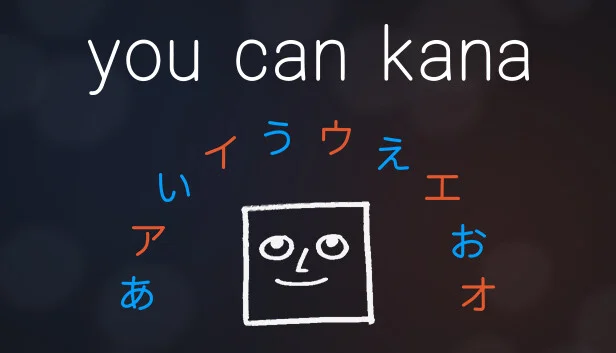
You Can Kana
−62%$3.77
$9.992 offers
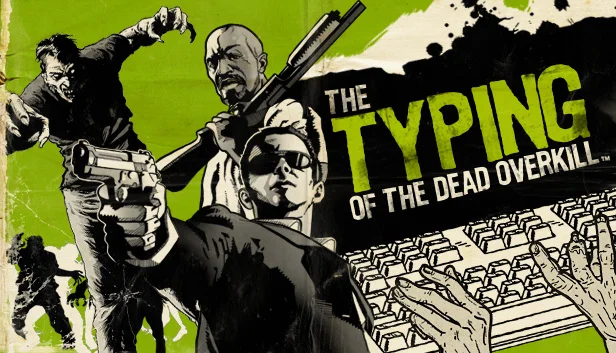
The Typing of the Dead: Overkill
−33%$13.39
$19.997 offers
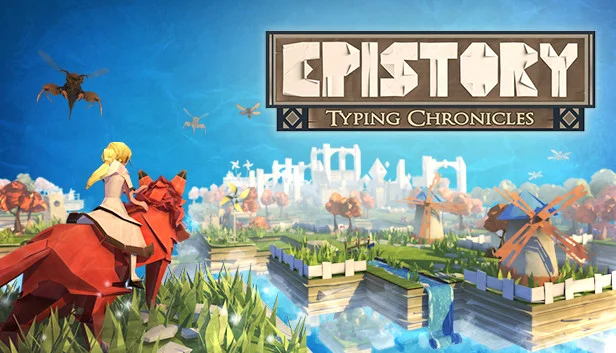
Epistory: Typing Chronicles
−92%$1.06
$14.9920 offers
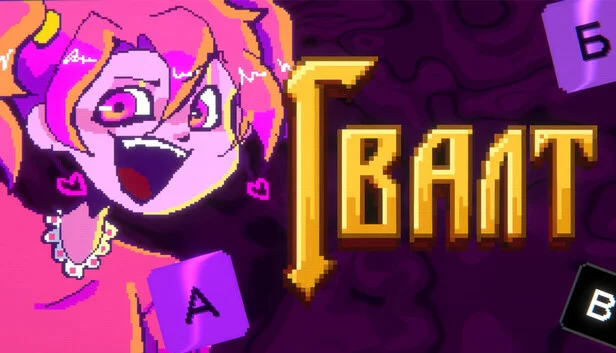
Gvalt
$7.99
1 offer
Words for Evil
−25%$2.24
$2.995 offers
CozyTyper
$4.99
1 offer
Glyphica: Typing Survival
$9.99
2 offers
God of Word
$4.99
4 offers
S4U: Citypunk 2011 and Love Punch
−43%$7.87
$13.995 offers

VROVPilot: Titanic
$24.99
1 offer
Typing Land
$5.99
1 offer