

Buy Touhou Bunkachou: Shoot the Bullet PC key
Offers


Screenshots
1 / 6


About Touhou Bunkachou: Shoot the Bullet
Touhou Bunkachou: Shoot the Bullet is a photography game in which you control the tengu newspaper reporter Aya Shameimaru. Dodge enemy bullets and photograph youkai, humans and other subjects to create newspaper-worthy images and inflict mental damage. Photograph each stage’s subject the required number of times to clear it; pictures without the subject do not count, and uncleared stages do not contribute to the high score.
Photograph the subjects
You can take a picture when the film is fully loaded. After a shot, the film drops to 0% and reloads gradually over time. When it is below 100%, holding the shot and slow-movement buttons together reloads it faster while Aya moves with extra precision. At full charge, the same combination provides precise movement only.
Holding the shot button enters Finder Mode for a limited time. You control the focus frame instead of Aya, allowing you to photograph a nearby area. The frame’s effective range shrinks over time, and if the film becomes exposed, the shot automatically fails. The focus cursor initially sits at the finder cursor’s position; that cursor shifts in Aya’s direction of travel when moving quickly and points toward the boss when moving slowly. If it loses its aim after a fast approach, briefly moving slowly can realign it. The focus frame turns red when it contains the boss, indicating that a shot will succeed.
A photo counts as successful when the boss is in the frame. A shot cannot succeed while the boss is absent, off-screen, translucent or transformed into something else; a blue magic circle often appears behind the boss in these states. You must release the slow-movement button before taking a picture. Shots taken at the edge of the screen produce smaller photos.
Clear bullet patterns
Photographing bullets along with the subject erases the bullets you capture. The number of bullets in a picture affects its score, as does how close the boss is to the center of the frame; other conditions can also add points. A failed photo can still erase bullets, so taking one without the subject can help you escape a dense pattern. Failed photos are discarded rather than added to Aya’s notebook, which also shortens the wait until the next shot.
Score and best shots
Each scene’s score comes only from the combined ratings of its successful photos. The number of successful shots allowed is set for each scene, so failed shots and other actions add no points. Your total photography rating is the sum of your highest scene scores.
The highest-rated photo in each mission is saved in Aya’s notebook as a “Decisive Moment” photo. You can lock a scene’s photo so that a higher-scoring shot will not replace it, or select another successful photo on the stage-clear screen and save it manually. The game also displays the slowdown rate recorded when a Decisive Moment photo was taken.
Photo bonuses include Boss Shot for capturing the boss, with a higher bonus when it is near the center; Nice Shot for catching a shooting opportunity; Red Shot for pictures with more red; and Risk Shot for taking a picture while Aya is very close to enemy bullets. A boss’s brief red magic-circle animation marks the best shooting opportunity in missions that have one.
Frequently asked questions
The best price for Touhou Bunkachou: Shoot the Bullet is $10.99 at Steam. It is the only shop with an offer that activates in your country.
The minimum requirements for Touhou Bunkachou: Shoot the Bullet are: Windows 7, Intel Core 2 Duo, 1 GB RAM, 150 MB storage. It runs on Windows only. The recommended specs are in the System requirements section.
No. Touhou Bunkachou: Shoot the Bullet is a single-player game.
Yes. Valve rates Touhou Bunkachou: Shoot the Bullet as Verified on the Steam Deck: it runs well out of the box.
Yes. Touhou Bunkachou: Shoot the Bullet is the full base game. You need nothing else to play it.
Steam lets publishers create keys to sell in other shops. Once you activate a key, the game is yours to keep, just like a store purchase.
Disclaimer: CD keys have an inherent 1–2% average failure rate. Check the shop terms for buyer protection info. Steam offers no buyer protection for keys bought in other shops and doesn't refund them.
Similar games
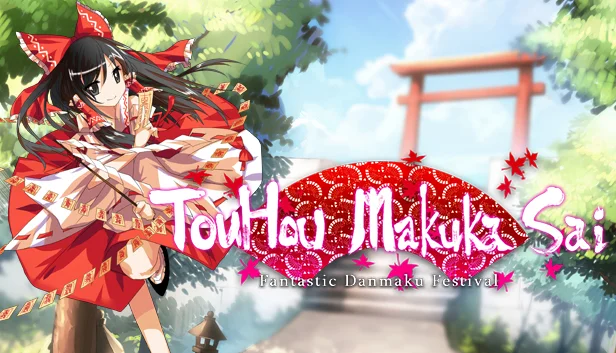
Touhou Makuka Sai: Fantastic Danmaku Festival
$8.99
6 offers
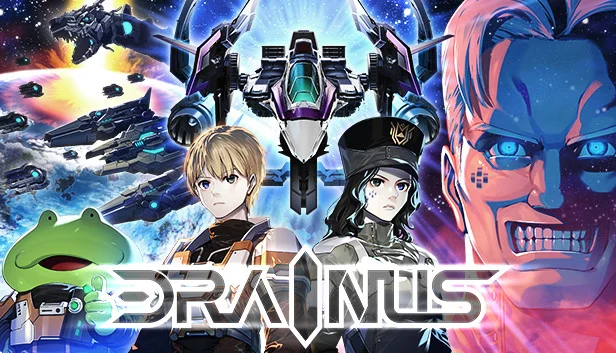
Drainus
$14.99
1 offer
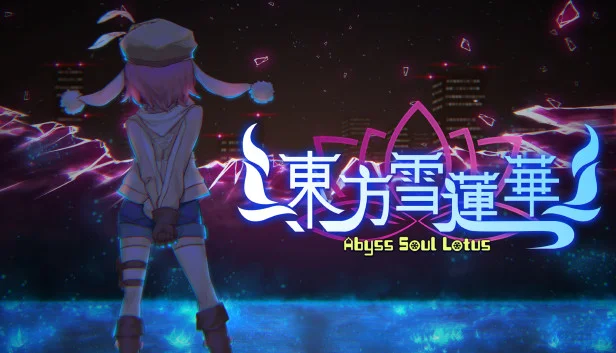
Abyss Soul Lotus
−43%$7.39
$12.992 offers
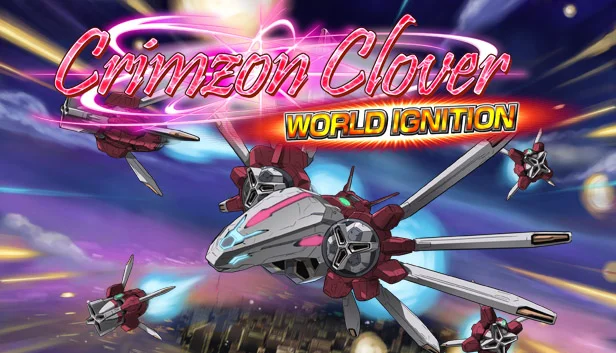
Crimzon Clover: World Ignition
−54%$4.51
$9.998 offers

Blue Revolver
$14.99
1 offer

ZeroRanger
$11.99
1 offer
Mushihimesama
−9%$18.00
$19.995 offers
Ikaruga
$9.99
2 offers
Jets'n'Guns 2
−85%$2.27
$15.9914 offers

Sky Force Anniversary
$9.99
1 offer

Saviors
$1.99
1 offer
Barrage Musical: Basic Danmaku Tutorial
$1.99
1 offer