

Puzzle Simulator
Offers
- −10%$8.99View Offer


Trailers & screenshots
1 / 12


About Puzzle Simulator
Puzzle Simulator is a jigsaw game with a four-chapter Story Mode, custom puzzles and single-table co-op for up to four players. Complete a box to unlock the next one, then clear a shelf to move on to the next chapter. Each box saves its own progress, so you can return to an unfinished puzzle later.
Story Mode
Travel through four settings: quiet countryside and still water, lamplit scenes with cozy creatures, a train journey along the coast and into the snow, and a day in a world of mushrooms. Each Story Mode box is made from an artist’s picture and credited with the artist’s name and links. Eight pieces in every box hide a charm; turning a piece over is the only way to find one, and each charm stays on the box once discovered.
Play together
Up to four players can work on the same puzzle at one table, each with a different cursor colour. Invite friends from the main menu or an empty in-game slot. Puzzles made in The Lab can also be played together, retaining all the modifiers used to create them. The Friends Pass lets you join a friend’s game for free.
Make your own puzzles
Turn your own pictures into puzzles by uploading an image, choosing a piece count and naming the box. Choose a colour for its box, which displays the picture on its lid, and place it on a shelf of your own. You can also choose a picture from the game and create a puzzle with 30 to 40,000 pieces, provided the picture is large enough.
Choose from ten preset cuts, including Classic, Mushroom, Jagged and Tiny. You can adjust the tabs’ length, placement, angle and curves, as well as the corners of each piece. The cut redraws across the image as you change it, and you can save custom cuts to the preset list.
Sort and place pieces
Pieces come out of the box in a different arrangement each time: some face up, while most are face down. Turn them over, then use the Mat Wheel to choose a mat and send pieces to it by edge, colour or whatever suits the picture. Drag across the table to send every piece you pass over to the selected mat in one sweep.
Sort lays a mat’s loose pieces out in rows, leaving joined pieces in place. Later arrivals go into the next free spot. Place a Warp anywhere on the table to send a piece straight to it with a click. Glue locks a piece and all pieces joined to it in place, protecting them from movement, turning or being sent elsewhere; click the glued piece with Glue again to free it.
Modifiers and challenges
Basic modifiers include Flipped, Rotated, Charms and Edges sorted. Challenges can make a puzzle harder with Upside down, Greyscale, Blind, Countdown or no picture to work from.
Combos and table design
Join pieces in succession to build a combo. The count appears under the clock and progresses through On a roll!, On fire!, Unstoppable! and Legendary! Your best combo is saved for each box.
Use the Table Design menu to choose a cloth colour, including classic baize, walnut and navy, in soft felt or flat, then select colours for the board and mats.
Music and settings
Play the game’s tracks or upload your own music. In co-op, friends can listen to the host’s music, including uploaded tracks. A Table Timer can be set for 5 to 30 minutes; it rings when time is up, and the puzzle remains where you left it.
You can adjust the volume of each sound individually and change how pieces pick up, how the wheels open, how the camera zooms and pans, and every key binding.
Frequently asked questions
The best price for Puzzle Simulator is $8.99 at Steam. It is the only shop with an offer that activates in your country.
The minimum requirements for Puzzle Simulator are: Windows 10, Intel HD Graphics 620, Intel Core i3-6100, 4 GB RAM, 2 GB storage. It runs on Windows only. The recommended specs are in the System requirements section.
Yes. Puzzle Simulator has multiplayer and a single-player mode. It supports online co-op.
Yes. Puzzle Simulator is the full base game. You need nothing else to play it.
Steam lets publishers create keys to sell in other shops. Once you activate a key, the game is yours to keep, just like a store purchase.
Disclaimer: CD keys have an inherent 1–2% average failure rate. Check the shop terms for buyer protection info. Steam offers no buyer protection for keys bought in other shops and doesn't refund them.
Similar games
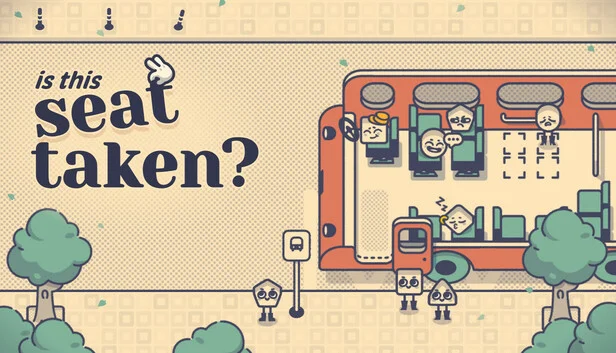
Is This Seat Taken?
−30%$6.99
$9.995 offers

Urban Jungle
−98%$0.23
$11.9916 offers
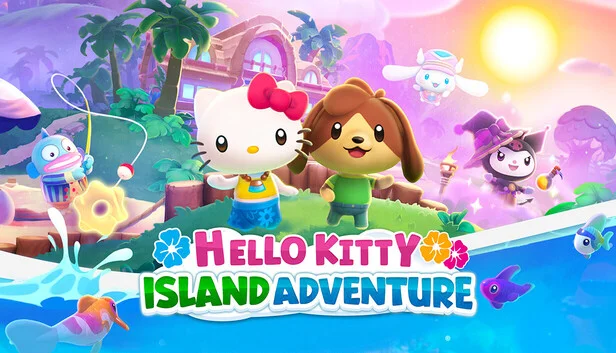
Hello Kitty Island Adventure
$39.99
1 offer
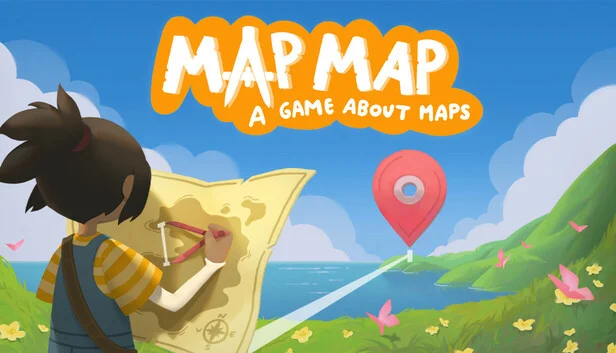
Map Map: A Game About Maps
−39%$9.06
$14.999 offers

Camper Van: Make it Home
$14.99
1 offer

Puzzling Places
$7.99
1 offer
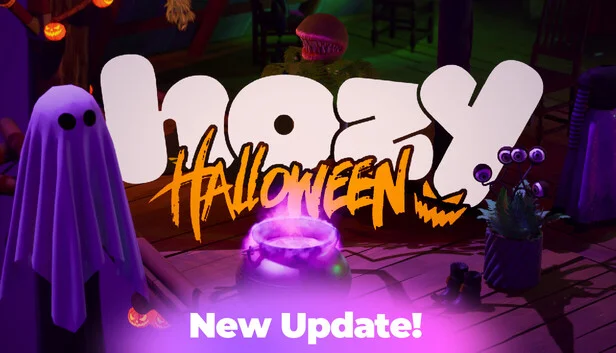
Hozy
−39%$9.00
$14.9918 offers
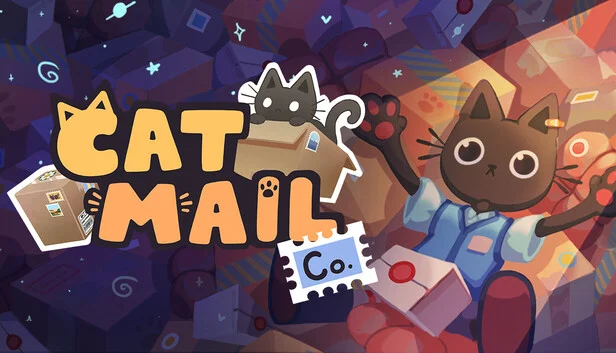
Cat Mail Co.
−17%$12.37
$14.9916 offers
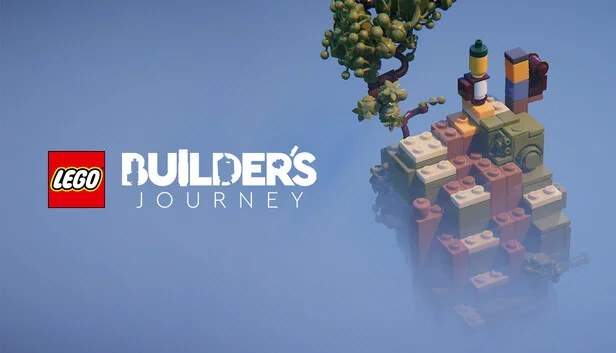
LEGO Builder's Journey
$19.99
2 offers
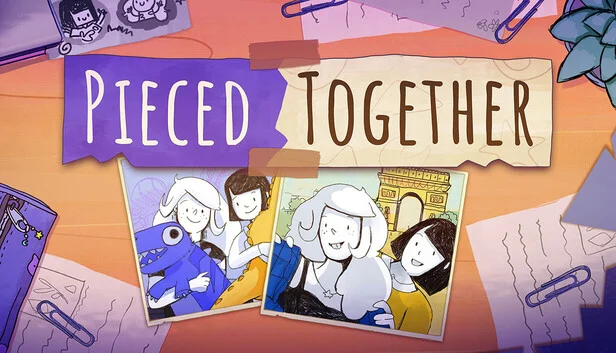
Pieced Together
−50%$4.99
$9.991 offer

Wormies
$9.99
1 offer
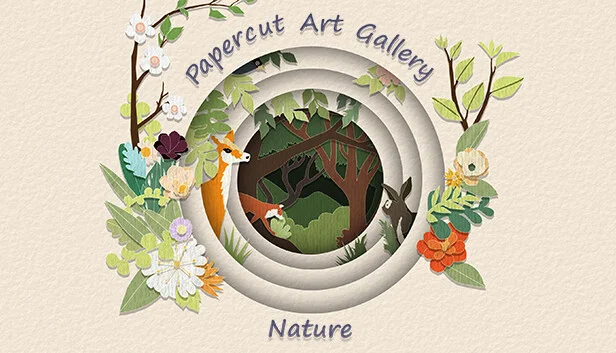
Papercut Art Gallery: Nature
$1.99
1 offer