

Planet X2
Offers


Trailers & screenshots
1 / 6


About Planet X2
Planet X2 gives you control of up to 10 driveable units and 54 structures. You search for resources, operate your units and buildings, and process minerals at a factory.
Control your units
A display at the bottom of the screen shows which driveable units exist; existing units are highlighted in white, and a blue pointer marks the one you control. You can select a visible unit or building by pressing Return and browsing to it, then pressing Return again. Number keys 0 through 9 select driveable units, while Plus and Minus cycle through your buildings.
You move units with the cursor keys or WASD. Function keys are generally used to operate them, while Space fires the tank.
Gather resources
You need Minerals, Gas and Energy. Minerals form in large outcroppings and come in different forms. Use a builder to pick them up, moving or destroying anything in the way if necessary, then drop them at the X spot beside your factory. Select the factory and use F5 to process the minerals. Building another factory near a mineral supply can speed up processing.
You begin with an initial supply of resources, and the amount depends on the difficulty level.
Frequently asked questions
The best price for Planet X2 is $9.99 at Steam. It is the only shop with an offer that activates in your country.
The minimum requirements for Planet X2 are: Windows 7, 200 MB storage. It also runs on macOS. The recommended specs are in the System requirements section.
No. Planet X2 is a single-player game.
Yes. Planet X2 is the full base game. You need nothing else to play it.
Steam lets publishers create keys to sell in other shops. Once you activate a key, the game is yours to keep, just like a store purchase.
Disclaimer: CD keys have an inherent 1–2% average failure rate. Check the shop terms for buyer protection info. Steam offers no buyer protection for keys bought in other shops and doesn't refund them.
Similar games
Homeworld: Deserts of Kharak
−96%$1.90
$49.9918 offers
Tempest Rising
−35%$25.76
$39.9913 offers
Warhammer 40,000: Dawn of War - Soulstorm
$5.06
2 offers
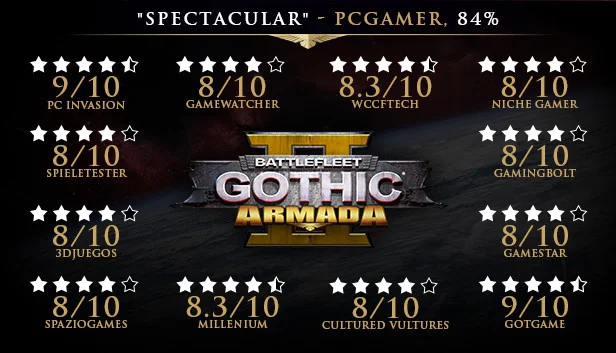
Battlefleet Gothic: Armada 2
−80%$3.87
$19.9917 offers
Age of Empires II: Definitive Edition
−58%$14.50
$34.9914 offers

Warhammer 40,000: Dawn of War - Game of the Year Edition
−77%$3.37
$14.994 offers
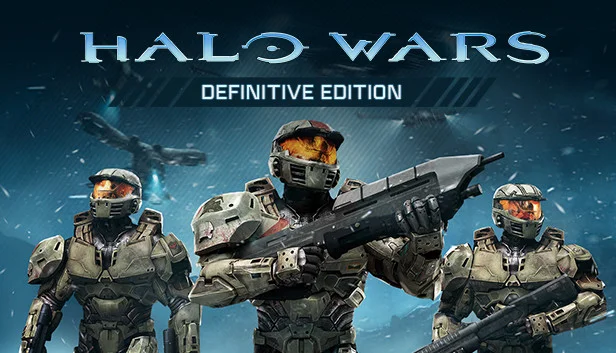
Halo Wars: Definitive Edition
$19.99
1 offer
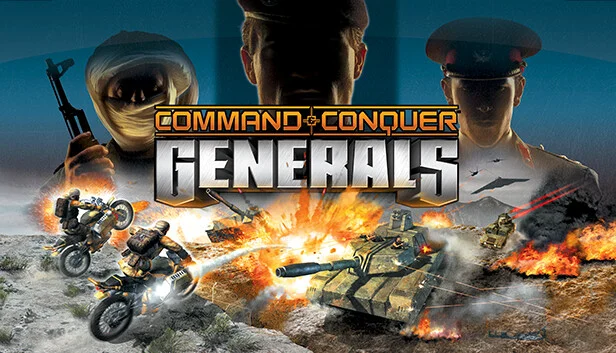
Command & Conquer: Generals
$19.88
1 offer
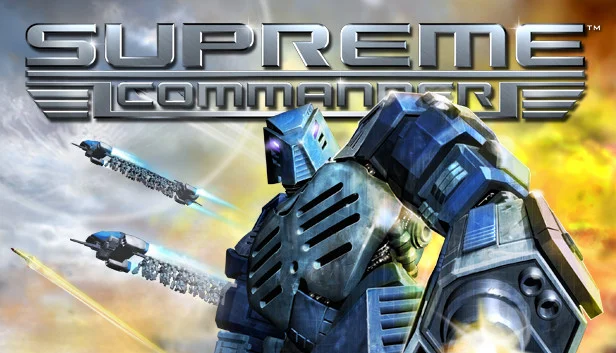
Supreme Commander: Forged Alliance
−60%$5.19
$12.9910 offers
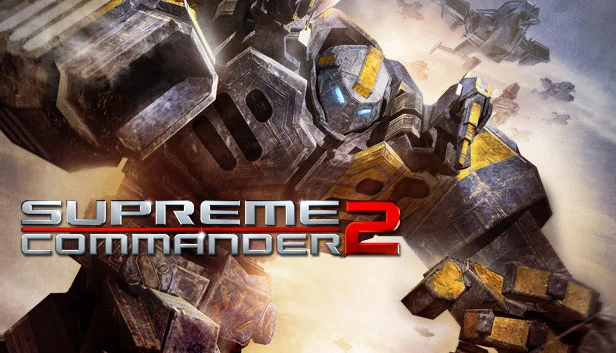
Supreme Commander 2
−77%$2.93
$12.9915 offers
Rusted Warfare
$4.99
1 offer
8-Bit Armies
−66%$5.06
$14.9911 offers