

PianoGlow
Offers
- −30%$17.49View Offer


Trailers & screenshots
1 / 11
About PianoGlow
PianoGlow is a piano-playing and learning app with multiplayer, solo and offline modes. You can play with a QWERTY computer keyboard, a digital piano, a MIDI device or an acoustic piano, and use its tools to practice, create and edit music.
Play with others
Multiplayer modes include taking turns in a queue, Mania in 4K or 7K, drawing while playing for others to guess, and playing songs for others to identify. You can visit global and private chatrooms, use voice chat, and manage friends and blocked players. Offline and single-player modes are also available.
Connect an instrument
Play any song with a QWERTY keyboard, or connect a digital piano or MIDI controller through Bluetooth or USB-B. Songs work with keyboards of any size, including 25 keys, because PianoGlow can convert songs and MIDI files to fit a smaller keyboard. You can also convert songs into computer-key controls, with each key corresponding to a piano note. Wooting Analog QWERTY keyboards support velocity integration for playing loud and soft notes.
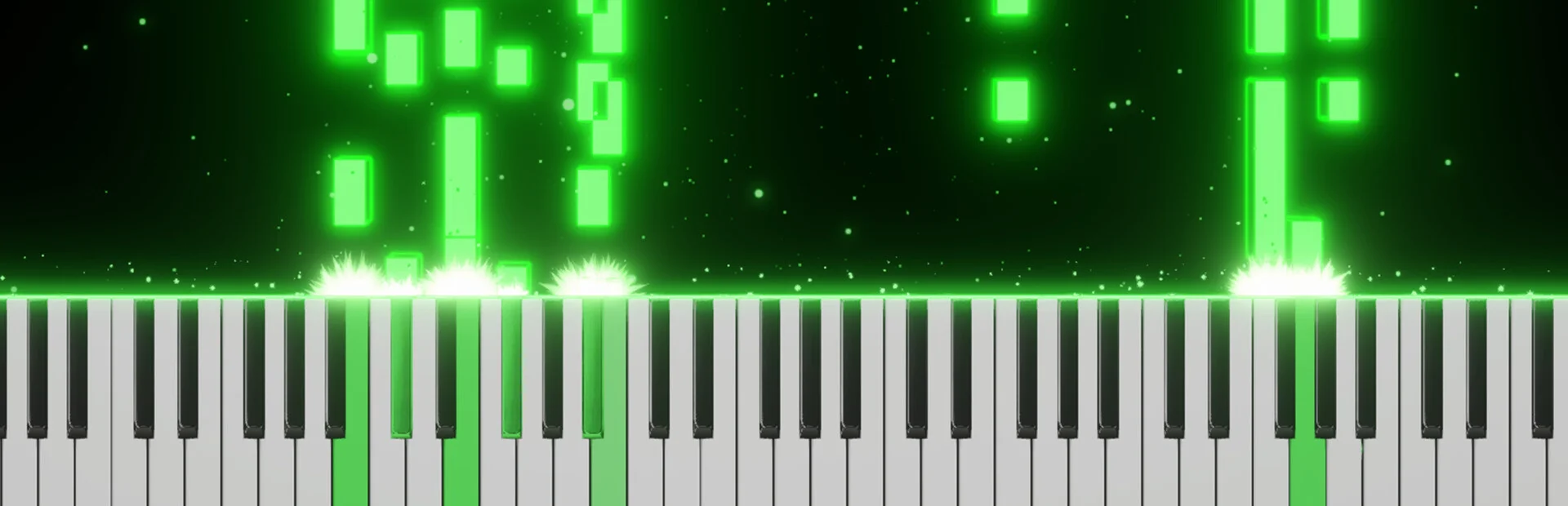
You can record performances, load MIDI files and render them as videos in the app. MIDI and MusicXML files can be used for practice with both falling-note displays and sheet music notation.
Practice and learn
PianoGlow includes modes for ear training, rhythm, falling notes, chords, scales, arpeggios and sheet music, for beginners and more experienced players. Many training modes can pause until you play the next correct note or chord; this setting is on by default. The app tracks practice statistics, shows incorrect answers more often to focus on weak areas, and includes achievements and a calendar of practice time by day and month.
Other tools include AI-based fingering suggestions for MIDI files and songs, and converters that adjust MIDI, MusicXML or songs for smaller keyboards. An interactive Circle of Fifths shows common chord triads, key signatures and seventh chords when clicked. The chord and interval identifier names chords as you play them, and lighted-keyboard indicators can display falling notes on a MIDI keyboard.
You can set a time range to loop during practice, and PianoGlow remembers it when you return to the song. Its MIDI editor lets you create songs and edit performances or recordings. MIDI Loop lets you loop your playing and layer different SoundFonts. AI converter tools can turn piano videos, PDFs and audio into tutorials with MIDI files and falling notes.
Customize the display
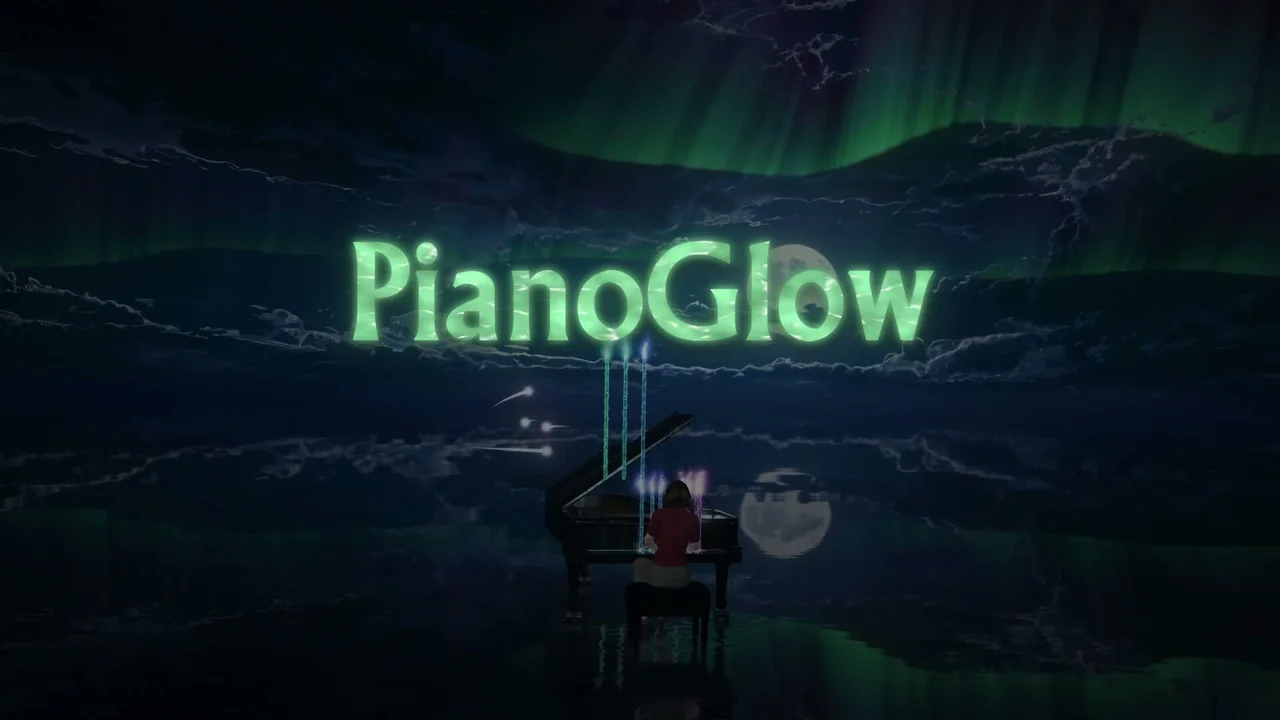
Themes include a 3D piano, virtual hands that emulate playing, venues and characters, and 3D cats that sleep and walk around. Automatic cinematic camera movements include a POV view that emulates playing from your perspective. Particle effects move in time with your playing, and you can use video files as backgrounds or display sheet music with glowing orbs and 3D lighting.
Use QWERTY tools
QWERTY features include automatic or semi-automatic playback of QWERTY sheet music, plus typing modes that show falling notes and sheet-music notation alongside QWERTY notes. Velocity settings include predictive and random velocity, with options to adjust the velocity curve. Transpose detection lets you press TAB to move to the next detected transpose in QWERTY sheets, or hold transpose and press a number to jump to one manually.
An in-game notepad lets you load or edit QWERTY sheets, use transpose tools and OCR, and convert MIDI files to QWERTY.
Shape the sound
Audio tools include customizable reverb and equalizer effects. You can upload SF2 and SF3 SoundFonts, use VST3 and ASIO support, and load multiple SoundFonts at once, such as separate ones for the left and right hands. You can also create SoundFonts by loading an MP3 or WAV file and exporting it as a SoundFont.
Frequently asked questions
The best price for PianoGlow is $17.49 at Steam. It is the only shop with an offer that activates in your country.
The minimum requirements for PianoGlow are: Windows 7, 2 GB RAM, 800 MB storage. It also runs on macOS. The recommended specs are in the System requirements section.
Yes. PianoGlow has multiplayer and a single-player mode. It supports online co-op and online PvP.
Mostly, yes. Valve rates PianoGlow as Playable on the Steam Deck: it runs, but may need some manual setup.
Yes. PianoGlow is the full base game. You need nothing else to play it.
Steam lets publishers create keys to sell in other shops. Once you activate a key, the game is yours to keep, just like a store purchase.
Disclaimer: CD keys have an inherent 1–2% average failure rate. Check the shop terms for buyer protection info. Steam offers no buyer protection for keys bought in other shops and doesn't refund them.
Similar games
Paradiddle
$24.99
1 offer

Rhythm Doctor
$19.99
1 offer
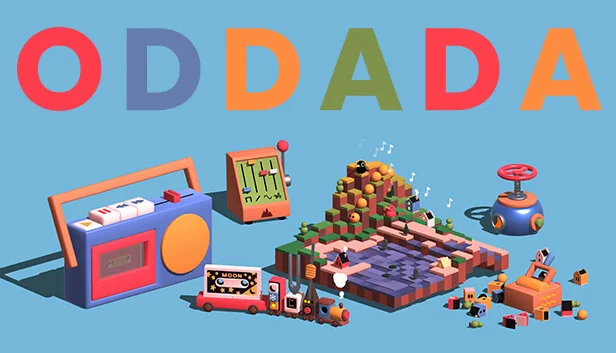
Oddada
−98%$0.18
$9.997 offers

Garry's Mod
−38%$6.14
$9.9912 offers
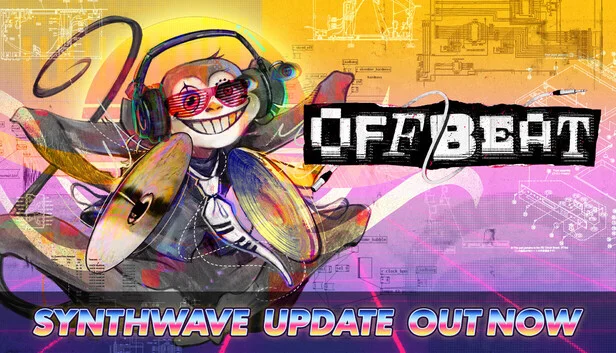
Offbeat
−41%$6.97
$11.9914 offers

Typing Farmer
−43%$2.81
$4.995 offers

EXA: The Infinite Instrument
$14.99
1 offer

Chill with You: Lo-Fi Story
$11.99
2 offers
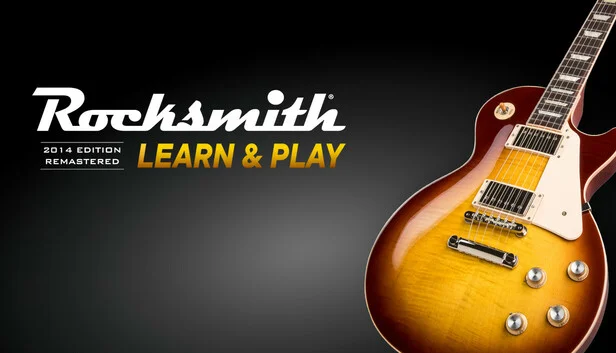
Rocksmith 2014 Edition: Remastered
$9.99
3 offers

Shy Cats: Hidden Orchestra
$3.99
2 offers

Mini Cozy Room: Lo-Fi
−53%$2.31
$4.9912 offers

Cozy Time
$2.99
1 offer