

Get Outralism for PC
Offers


Trailers & screenshots
1 / 19


About Outralism
Outralism is a rhythm game with a black-and-white look. Notes scroll up lanes for you to hit on the beat. It includes no songs, so you play music and charts supplied by the community or create your own.
Play and find songs
You can add song packs, skins and mods through the Steam Workshop, either in Steam or from the Packs menu. Search for songs as you type and preview each one. Workshop chart translators let Outralism play charts from other rhythm games, including osu!mania and Muse Dash; these translators are Lua mods that anyone can write. You can play with 1 to 18 keys and set a separate layout for each.
Nine short tutorials cover the main menu and every editor. They are available under the cap on the main menu, and you can hear each step read aloud by clicking the speaker button or pressing N.
Create songs and packs
The Pack editor lets you assemble packs containing songs, albums, scripts, settings and documentation without editing files, then publish them to the Workshop. The chart editor supports notes, holds, tempo changes and ramps, as well as built-in hitsounds and instant playtesting. Built-in events require no mods and include zooms, shakes, flashes, captions, moving strumlines and more.
Make Lua mods
You can write Lua in the in-game editor, which provides autocomplete and documentation on hover. Press Test to play a song with your script. Mods can add sprites, text, shaders, particles, physics, videos, visualizers, 3D models, new note types, skins, events and custom menus. The game includes a modding wiki with an example for every function.
Play together
Steam lobbies support up to 16 players and can be joined with a code or through your friends list. Two players can play side by side; larger lobbies have a live scoreboard. You can chat in the lobby or during a song, and Steam's Mute and Report options are available. You can spectate a song already in progress, or continue watching after you fail or leave. If a song requires a pack you do not have, the game offers it through the Workshop.
Customize your play
You can set note colours for each lane and key count, along with background and text colours, note size, Downscroll and note splashes. Change your keys and game shortcuts, calibrate offsets with a tap test and adjust the timing windows. Play Without Mods skips each song's own mods for slower PCs. You can play with a keyboard or gamepad and use the mouse in every menu.
Frequently asked questions
Yes. Outralism is free to play on Steam, so there is nothing to buy to start playing.
The minimum requirements for Outralism are: Windows 10, 2 GB RAM, 150 MB storage. It runs on Windows only. The recommended specs are in the System requirements section.
Yes. Outralism has multiplayer and a single-player mode. It supports online PvP.
Yes. Outralism is the full base game. You need nothing else to play it.
Similar games

Rhythm Doctor
$19.99
2 offers
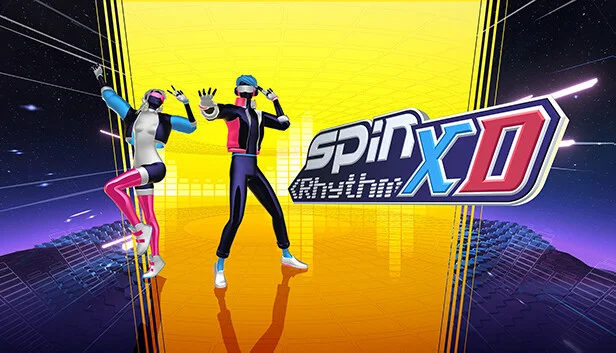
Spin Rhythm XD
−91%$1.77
$19.9917 offers

Afterbeat
−75%$3.69
$14.992 offers
Quaver
Free
1 offer

A Dance of Fire and Ice
$5.99
1 offer

Rhythia
$3.99
1 offer
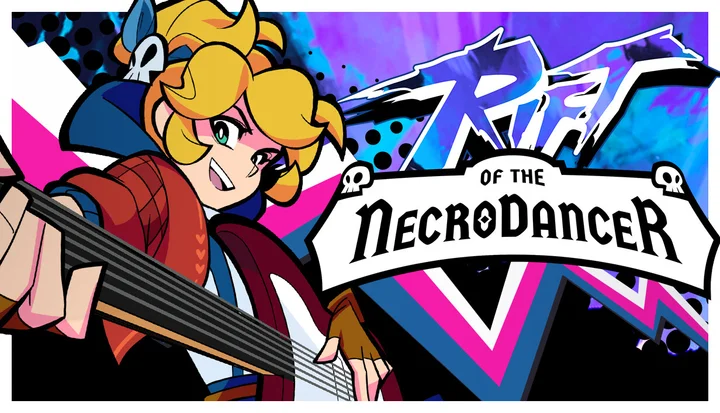
Rift of the NecroDancer
$19.99
1 offer

Garry's Mod
−50%$4.99
$9.9912 offers
Beat Saber
$19.99
9 offers

Melatonin
$14.99
2 offers

Trombone Champ
−89%$1.58
$14.9913 offers

DJMax Respect V
−92%$3.55
$49.9930 offers