

Oblivity: Find your perfect Sensitivity
Offers




Trailers & screenshots
1 / 12
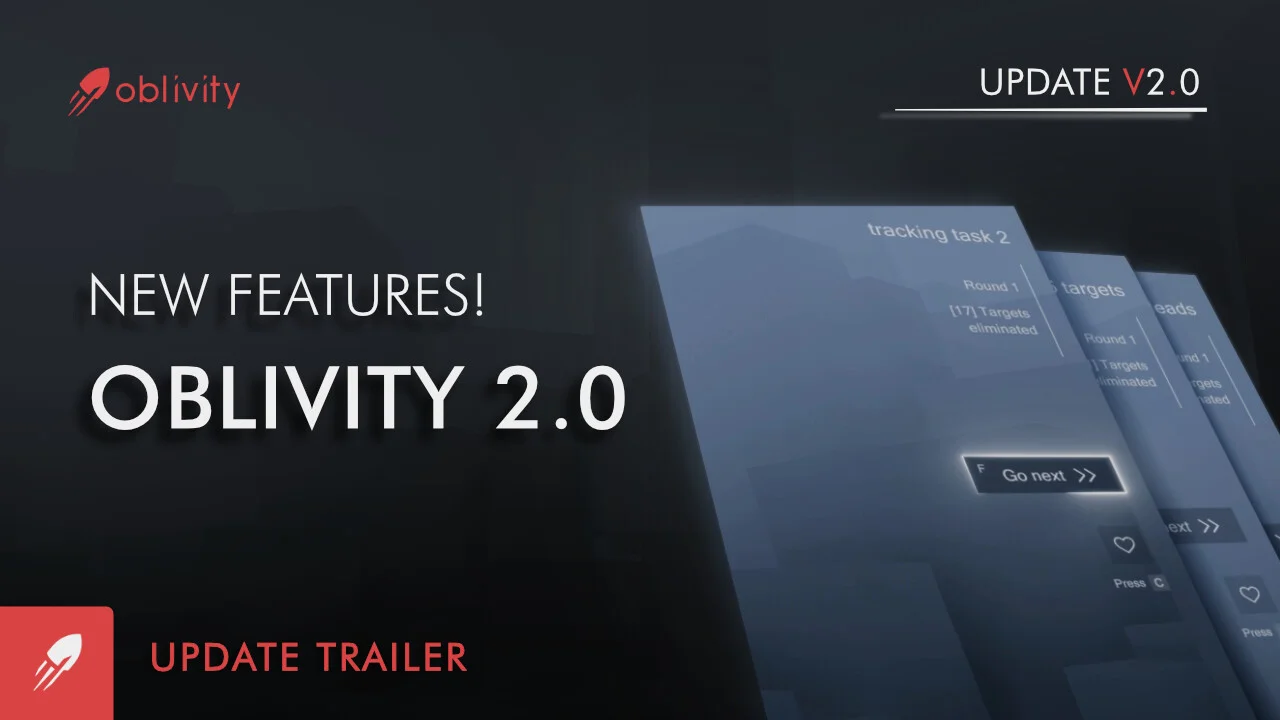

About Oblivity: Find your perfect Sensitivity
Oblivity: Find your perfect Sensitivity is an aim trainer that helps you test mouse sensitivities, practise with scenarios and review your performance. It also includes a sensitivity finder for supported first-person shooters, using your performance and mouse movement data to identify the sensitivity at which you perform best.
Training scenarios
The online library contains a continuously growing selection of scenarios and playlists. You can compete with friends and other players on leaderboards, or create, upload and share your own scenarios with the Oblivity community. Training techniques such as mouse pathing and metronome aiming are supported.
Smart Play recommends a new scenario based on your preferences when you select “Next.”
Find and convert sensitivity
Choose an FPS game and play a selection of matching scenarios. Your mouse sensitivity changes each round while Oblivity tracks your performance and mouse movement. Over a longer playtime, it can gather enough data to show how well you perform at different sensitivity levels.
The converter can translate Oblivity sensitivity to your chosen game, as well as convert sensitivities between supported first-person shooters.
Review your performance
After a training session, the analysis section shows statistics including accuracy, mouse speed and score, along with aiming smoothness and deviations from the ideal path, such as overshooting and undershooting. The replay tool lets you rewatch each run, adjust playback speed and see where mistakes occurred on the timeline. On-screen indicators can compare your aim line with the optimal aiming path.
Customize training
You can change in-game colours, create a crosshair, import sound effects and customize the HUD. The game also lets you adjust technical settings, choose from different FOV types, rebind keys, and use different monitor resolutions and aspect ratios.
Frequently asked questions
The best price for Oblivity: Find your perfect Sensitivity is $9.99 at Steam. 2 shops have an offer that activates in your country.
Some are. This page only shows offers that activate in your country; offers for other regions, or with no stated region, are left out. To see the offers for another country, change your country at the top of the page.
Every key we list activates on Steam. Redeem the key there and Oblivity: Find your perfect Sensitivity stays in your library for good.
Yes, with a small risk. Publishers create keys to sell in other shops, which is why a key can cost less than in the official store, and once you activate it the game is yours to keep, just like a store purchase. On average 1–2% of keys fail, so check the shop's buyer protection before you buy: the official store does not refund keys bought elsewhere.
The minimum requirements for Oblivity: Find your perfect Sensitivity are: Windows 10, GeForce GTX 560, Intel Core i3, 4 GB RAM, 600 MB storage. It runs on Windows only. The recommended specs are in the System requirements section.
No. Oblivity: Find your perfect Sensitivity is a single-player game.
Mostly, yes. Valve rates Oblivity: Find your perfect Sensitivity as Playable on the Steam Deck: it runs, but may need some manual setup.
Steam lets publishers create keys to sell in other shops. Once you activate a key, the game is yours to keep, just like a store purchase.
Disclaimer: CD keys have an inherent 1–2% average failure rate. Check the shop terms for buyer protection info. Steam offers no buyer protection for keys bought in other shops and doesn't refund them.
Similar games
KovaaK's Aim Trainer
−54%$4.58
$9.9918 offers
Aimbeast
$7.99
1 offer

Aim Hero
$4.99
1 offer
BeatAim
$14.99
1 offer
Counter-Strike: Source
$9.99
2 offers
Aimlabs
Free
1 offer
Quake Live
−71%$2.80
$9.9913 offers
Swarmlake
$4.78
1 offer
Battle Cry of Freedom
−75%$2.47
$10.0014 offers
Infinite Tournament Paintball
$14.99
1 offer
They Killed Your Cat
$6.99
1 offer
Zombie Graveyard Simulator
$14.99
1 offer