

McOsu
Offers


Trailers & screenshots
1 / 12

About McOsu
McOsu is a circle-clicking rhythm game client for osu!(standard) beatmaps, designed mainly to help you practice. It is separate from osu! and does not aim to be a perfect copy. The client supports only osu!(standard) beatmaps; difficulties for other modes, such as mania, taiko and ctb, are not shown.
Practice tools
You can change beatmap settings such as Approach Rate, Circle Size, Overall Difficulty and HP Drain, adjust speed or BPM, and jump to any point in a beatmap using scrubbing. Quicksave and quickload are also available. Mods and options can be changed during play, and the client includes a live pp counter, a ranking screen and customizable HP Drain and Notelock algorithms.
Modes and customization
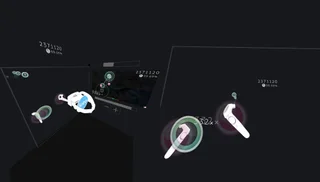
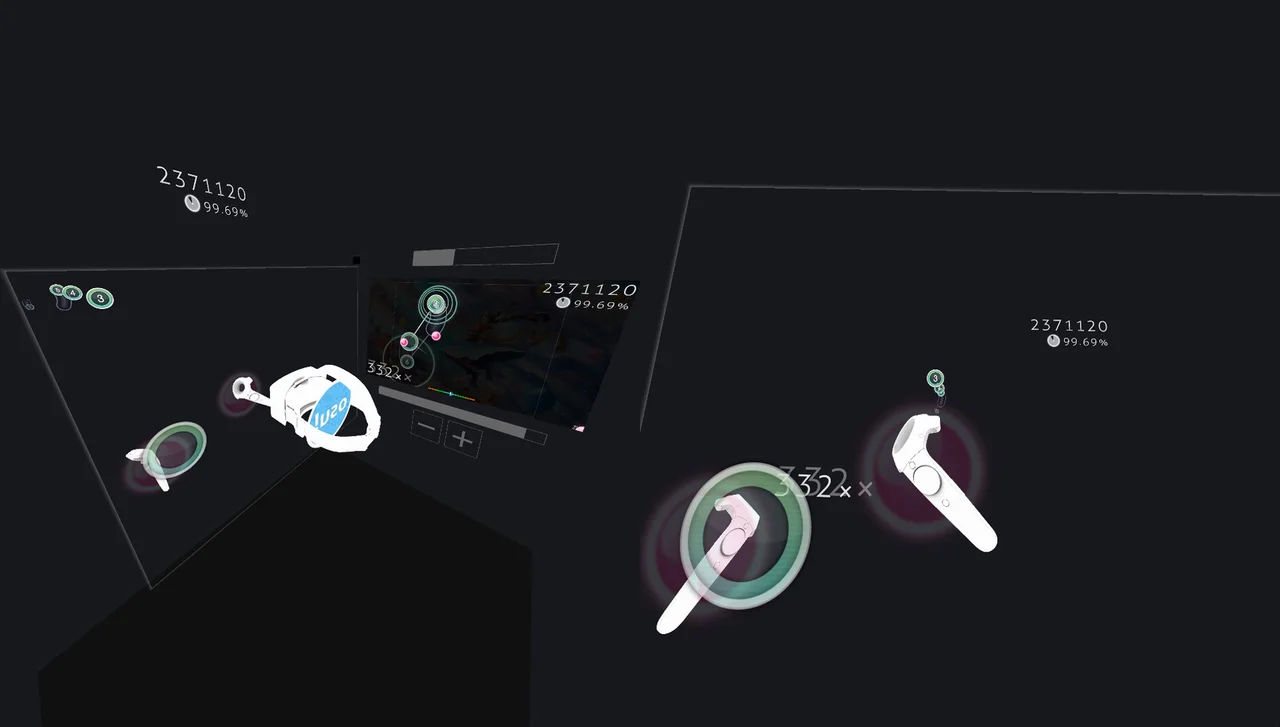
The client offers a VR mode and a first-person 3D mode called FPoSu. Experimental mods include Wobble, Jigsaw, First Person, Playfield Flipping and Reverse Sliders. Options and console commands allow extensive customization, and skins are supported through Steam Workshop.
Beatmaps and profiles
If osu!(stable) is installed, McOsu can load beatmaps from its default installation path; custom paths are also supported. The client can be used without osu!(stable), though that is not recommended. It also includes unlimited offline profiles with pp rankings.
Frequently asked questions
Yes. McOsu is free to play on Steam, so there is nothing to buy to start playing.
The minimum requirements for McOsu are: Windows 7, 512 MB RAM, 75 MB storage. It runs on Windows only. The recommended specs are in the System requirements section.
No. McOsu is a single-player game.
Yes. McOsu is the full base game. You need nothing else to play it.
Similar games

Muse Dash
$2.99
1 offer

A Dance of Fire and Ice
$5.99
1 offer

Hatsune Miku: Project Diva Mega Mix+
−63%$14.57
$39.3911 offers

DJMax Respect V
−92%$3.60
$49.9924 offers

Musynx
−79%$0.80
$3.9910 offers
Rift of the NecroDancer
$19.99
1 offer

Beat Saber
$19.99
7 offers
Just Shapes & Beats
$19.99
1 offer

Melatonin
$14.99
2 offers
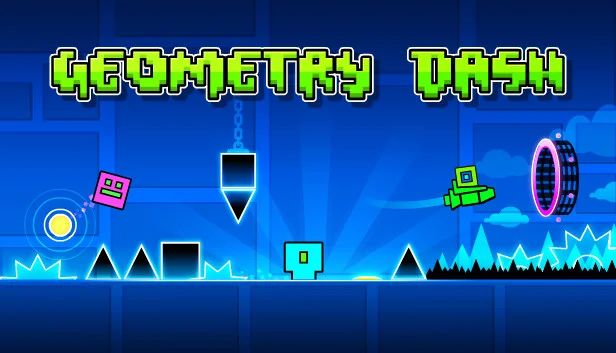
Geometry Dash
$4.99
5 offers

Audiosurf
−21%$7.88
$9.997 offers
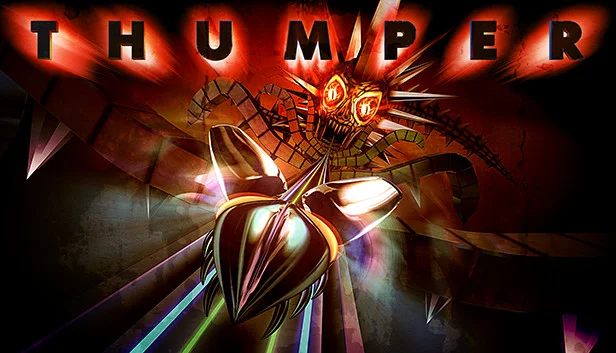
Thumper
−93%$1.29
$19.9910 offers