

Maze 3D
Offers


Trailers & screenshots
1 / 18


About Maze 3D
Maze 3D is a puzzle game where you navigate a maze built from small balls, moving in six directions: forward, back, left, right, up and down. Blue balls mark footholds and white balls mark paths. Your current position is shown as a larger green ball, the starting point is green and the endpoint is red. The goal is to reach the endpoint.
Navigate the maze
In normal mode, you can move from a blue ball only along a connected white ball to another connected blue ball. An orange arrow beneath your position indicates the direction you will move when you go forward; it turns with the game view. You can change the view by dragging with the right mouse button.
The game has 10 levels, with maze side lengths from 5 to 14. Larger side lengths create larger cubes and maze ranges. There are three modes:
- Normal mode: move between blue balls along connected white balls.
- Arrow mode: use small white arrows to jump directly to the blue ball they point to.
- Label mode: transfer directly to another blue ball with a label of the same color, pattern and layer.
Labels and assistance
Label patterns have 420 possible types, formed from 0–1 annuli, 1–3 layers, 7 colors and 10 shapes. A pattern is selected at random each time a maze is created. Four auxiliary functions are available: filtering, color changing, brightness and memory.
The game generates a maze at the start of the first play and loads it automatically on later plays. You can select “Delete Record” before playing to generate a new maze when you start, or use “random” during play to generate one.
Frequently asked questions
The best price for Maze 3D is $2.99 at Steam. It is the only shop with an offer that activates in your country.
The minimum requirements for Maze 3D are: Windows 7, 2 GB RAM, 150 MB storage. It runs on Windows only. The recommended specs are in the System requirements section.
No. Maze 3D is a single-player game.
Yes. Maze 3D is the full base game. You need nothing else to play it.
Steam lets publishers create keys to sell in other shops. Once you activate a key, the game is yours to keep, just like a store purchase.
Disclaimer: CD keys have an inherent 1–2% average failure rate. Check the shop terms for buyer protection info. Steam offers no buyer protection for keys bought in other shops and doesn't refund them.
Similar games

Sudoku Universe
−50%$1.49
$2.994 offers
Legend of Grimrock
−80%$2.96
$14.9915 offers
Shovel Knight: Pocket Dungeon
−89%$2.00
$19.9913 offers
Etrian Odyssey HD
−96%$1.52
$39.9914 offers
Labyrinth of Refrain: Coven of Dusk
$49.99
7 offers
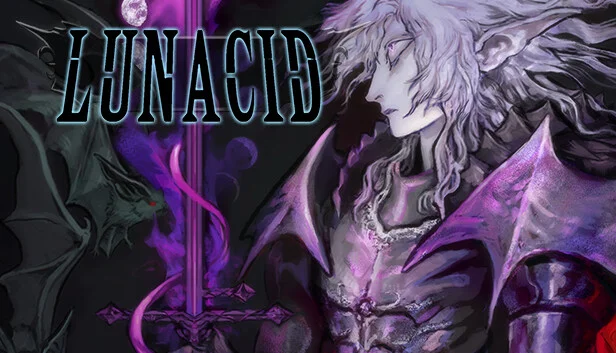
Lunacid
−71%$4.03
$13.9910 offers
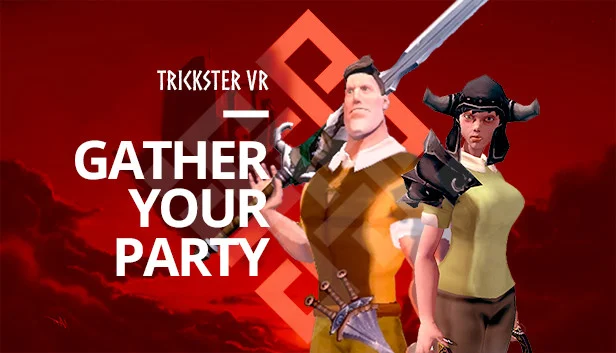
Trickster VR
−83%$2.12
$12.994 offers
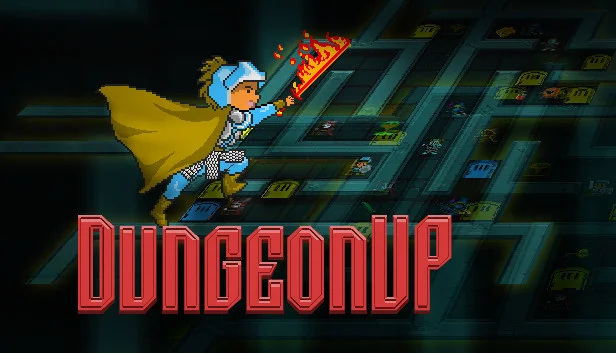
DungeonUp
−92%$0.39
$4.9914 offers
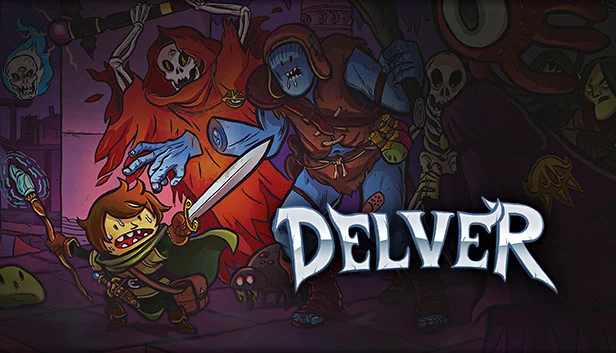
Delver
−2%$14.61
$14.998 offers
Mortal Sin
−67%$8.04
$24.9910 offers
Sol Cesto
−61%$5.35
$13.9912 offers
Slasher's Keep
−14%$11.92
$13.999 offers