

Buy JR East Train Simulator Rumoi Line Kiha 54-500 series PC key
Offers


Trailers & screenshots
1 / 13


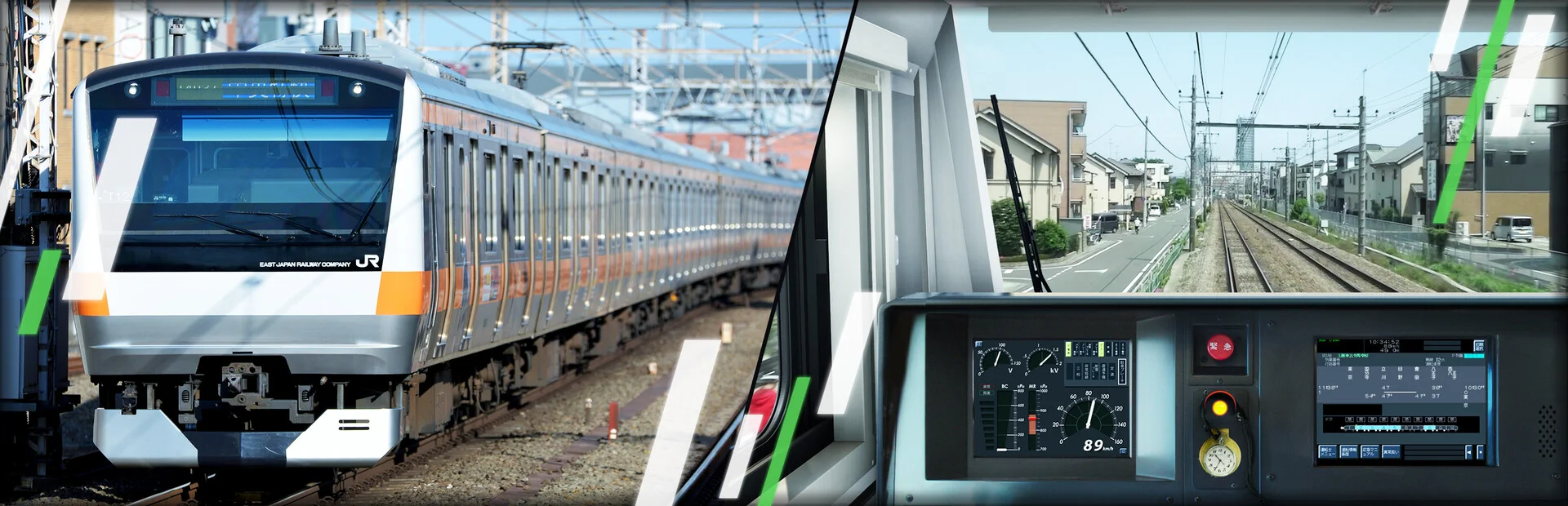
About JR East Train Simulator Rumoi Line Kiha 54-500 series
JR East Train Simulator Rumoi Line Kiha 54-500 series is a train-driving add-on covering the Rumoi Line between Fukagawa and Rumoi. You operate a one-car Kiha 54-500 on both inbound and outbound services, including the discontinued Ishikari-Numata–Rumoi section. The route is 50.1 km long, has 12 stations and uses ATS-SN security equipment.
The Rumoi Line
The line runs north from Fukagawa through the Ishikari Plain toward Rumoi, crossing the series of curves and gradients at Ebishima Pass. Along the route are places such as Kita-Chippubetsu Station, with its wooden platform, and Ebishima Station, whose station building served as the fictional Ashimoi station in the TV drama Suzuran. The simulator also includes the section beyond Ishikari-Numata to Rumoi, which has been discontinued, preserving its scenery and stations as part of the route.
The route follows the Rumoi River near Rumoi, and includes the Uryu River and Horoniitachibetsu River crossings. Other landmarks include the Fukagawa–Rumoi Expressway, National Route 233, the freight-car waiting room at Horonuka Station, and the cut-off tracks beyond Rumoi Station, which once continued to Masume Station. Togeshita is the only station between Fukagawa and Rumoi where trains can cross; the section through Ebishima Pass includes S-shaped curves and tunnels.
Train services
You can operate four inbound services from Rumoi toward Fukagawa and five outbound services from Fukagawa toward Rumoi. The inbound services are 4920D, 4922D, 4924D and 4926D; 4924D continues toward Asahikawa beyond the playable section at Fukagawa. The outbound services are the non-stop, out-of-service 回5921D and local trains 4921D, 4923D, 4925D and 4929D. Services vary in their stopping patterns, and the scheduled journeys run at different times of day. Automatic announcements are included on the local services, but not on 回5921D.
Driving and controls
The simulator includes the automatic announcements used in the train, JR Hokkaido driver pointing-and-calling audio, a paper timetable in the cab and a sound when confirming the timetable. You can choose between two handle settings: Simplified mode operates the brakes one step at a time and does not allow use of the shifting handle, while Realistic mode lets you operate the shifting handle and automatic air brake.
In Realistic mode, the R key switches the speed-change handle to Direct transmission and F switches it to Shift change. The brake handle positions are Running (M), Lapped (,), Service (.) and emergency brake (/). The engine brake activates when you set the master controller to P1 or higher, press the speed suppression switch (D), then return the controller to N; set it to P1 or higher again to release the brake.
Frequently asked questions
The best price for JR East Train Simulator Rumoi Line Kiha 54-500 series is $53.99 at Steam. It is the only shop with an offer that activates in your country.
No. JR East Train Simulator Rumoi Line Kiha 54-500 series is DLC and only works with JR East Train Simulator.
The minimum requirements for JR East Train Simulator are: Windows 11, GeForce GTX 1060, Intel Core i5-8500, 16 GB RAM, 60 GB storage. It runs on Windows only. The recommended specs are in the System requirements section.
No. JR East Train Simulator is a single-player game.
No. Valve rates JR East Train Simulator as Unsupported on the Steam Deck.
Steam lets publishers create keys to sell in other shops. Once you activate a key, the game is yours to keep, just like a store purchase.
Disclaimer: CD keys have an inherent 1–2% average failure rate. Check the shop terms for buyer protection info. Steam offers no buyer protection for keys bought in other shops and doesn't refund them.
Similar games
Train Sim World 4
−40%$17.72
$29.9912 offers
SimRail: The Railway Simulator
$34.99
5 offers
Hmmsim Metro
$19.99
1 offer
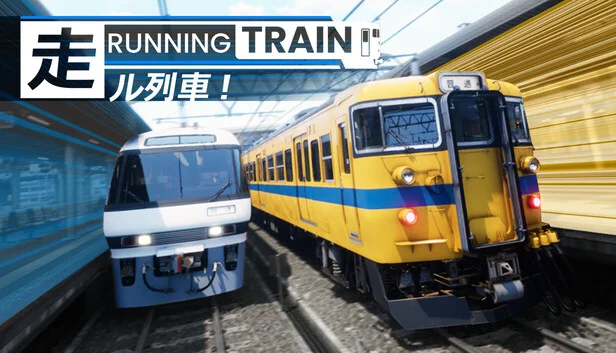
Running Train
$19.99
1 offer
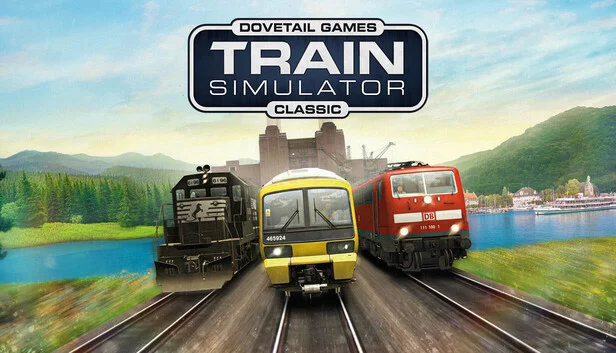
Train Simulator Classic
−88%$3.31
$29.9918 offers
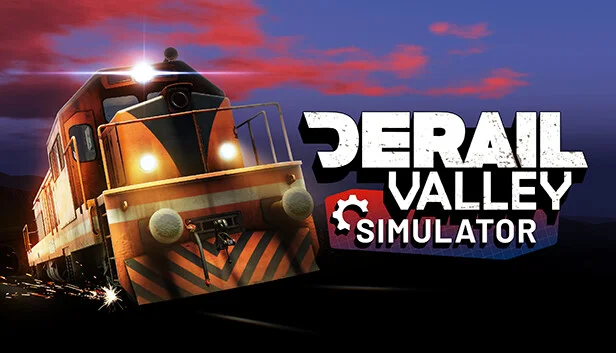
Derail Valley
$39.99
2 offers
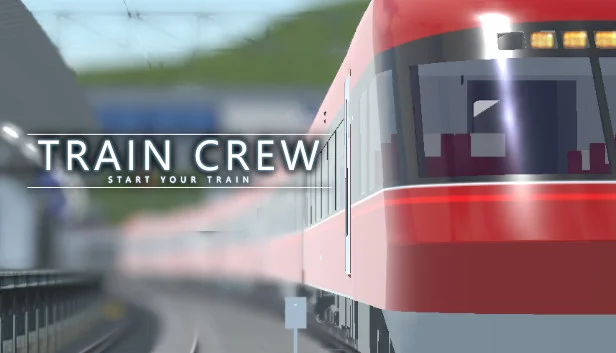
Train Crew
$16.99
1 offer
Railroader
$29.99
1 offer
Mini Metro
−50%$4.92
$9.9912 offers
Transport Fever 2
−80%$7.99
$39.9925 offers
Trainz Railroad Simulator 2019
$20.00
2 offers
TramSim Vienna
−63%$12.82
$34.9917 offers