

IOSoccer
Offers


Trailers & screenshots
1 / 7


About IOSoccer
IOSoccer is an online multiplayer soccer game played from a third-person perspective. You control dribbling, shooting and passing with mouse and keyboard, and can perform skill moves such as bicycle kicks, diving headers, ball flicks and precision dribbling. The game began as the Half-Life mod International Online Soccer 15 years ago, was ported to the Source Engine and re-released in 2008, and has since had its code completely rewritten, new player models created and gameplay features added.
Match formats
Matches support anywhere from 1 to 11 players per side, including 4v4 street games and standard 8v8 matchups. Goalkeepers can be controlled by the server or taken over by a player during a match. Public servers host casual games that you can join and leave, while community-organized leagues and cups let you compete with a club, national team or mixed team.
Player and team options
You can customize your shirt name and number, ethnicity, hairstyle, shoes, goalkeeper gloves, ball and sleeve length. Teams can choreograph goal celebrations using different animations. You can also create custom maps, team kits, balls, shoes and goalkeeper gloves.
Practice and replays
Warm-up mode lets you practice shots against your own goalkeeper, with every player having their own ball. After a goal, you can watch an instant replay from the TV camera’s perspective, and intermissions let you catch up on chances you missed.
Frequently asked questions
Yes. IOSoccer is free to play on Steam, so there is nothing to buy to start playing.
The minimum requirements for IOSoccer are: Windows 10, 4 GB RAM, 10 GB storage. It runs on Windows only. The recommended specs are in the System requirements section.
Yes. IOSoccer is multiplayer only. It supports online co-op and online PvP.
Mostly, yes. Valve rates IOSoccer as Playable on the Steam Deck: it runs, but may need some manual setup.
Yes. IOSoccer is the full base game. You need nothing else to play it.
Similar games
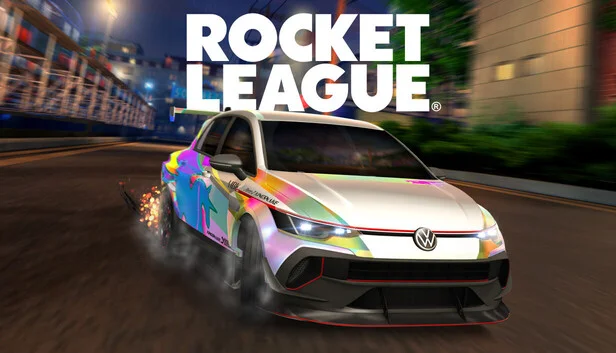
Rocket League
$1,896.27
2 offers
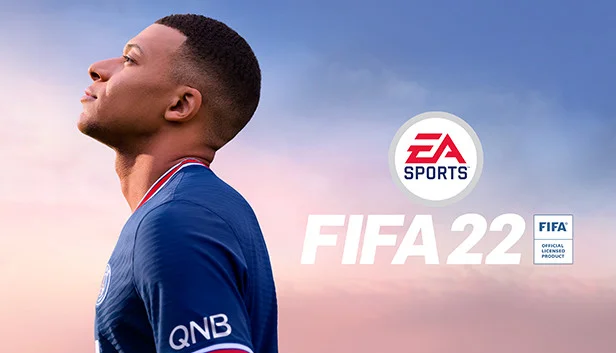
FIFA 22
$111.79
8 offers
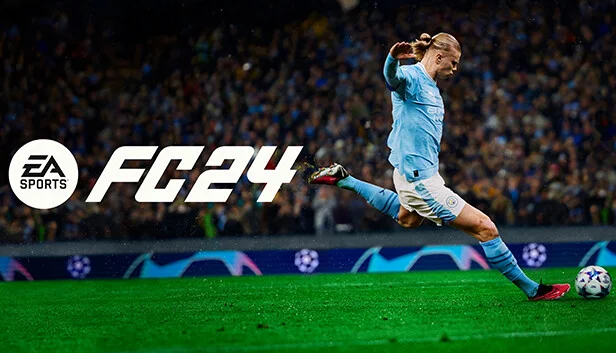
EA Sports FC 24
$0.74
12 offers

Inazuma Eleven: Victory Road
$69.99
2 offers

Pro Soccer Online
$4.99
1 offer

eFootball PES 2021 Season Update
No offers
No shop sells it right now

Soccer Online: Ball 3D
$0.99
1 offer
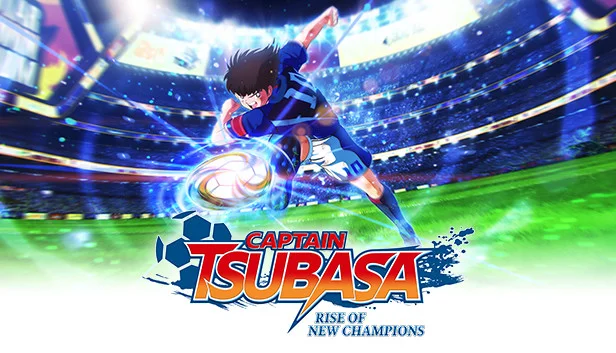
Captain Tsubasa: Rise of New Champions
−89%$4.03
$39.9918 offers
Kopanito All-Stars Soccer
−71%$1.68
$5.9910 offers

Football Manager 2024
$40.51
2 offers

Mount Your Friends
$4.99
2 offers
Rematch
−70%$8.92
$29.9926 offers