

Desktop Mark
Offers


Screenshots
1 / 6


About Desktop Mark
Desktop Mark puts Mark on your desktop, where he bounces off the edges of your screen and gradually speeds up. When he hits an exact corner, you can pause your work to play one of 10 minigames.
Minigames and rewards
The minigames include Snake, maze-sneaking, skydiving, chess and beating up your brother. Each game earns you Mark bucks, which you can spend to customise Mark with over 25 Marks, 40 hats and 10 corner-hit sounds. You can also earn achievements.
You can play any minigame at any time by spending a small amount of Mark bucks, without waiting for a corner hit. Mark stays on top of other windows and is transparent, so you can use the rest of your computer while he bounces.
Frequently asked questions
Yes. Desktop Mark is free to play on Steam, so there is nothing to buy to start playing.
The minimum requirements for Desktop Mark are: Windows 10, 4 GB RAM, 700 MB storage. It runs on Windows only. The recommended specs are in the System requirements section.
No. Desktop Mark is a single-player game.
Mostly, yes. Valve rates Desktop Mark as Playable on the Steam Deck: it runs, but may need some manual setup.
Yes. Desktop Mark is the full base game. You need nothing else to play it.
Similar games

Your Mother
$0.99
1 offer

Maltese's Fluffy Onsen
−30%$4.19
$5.994 offers
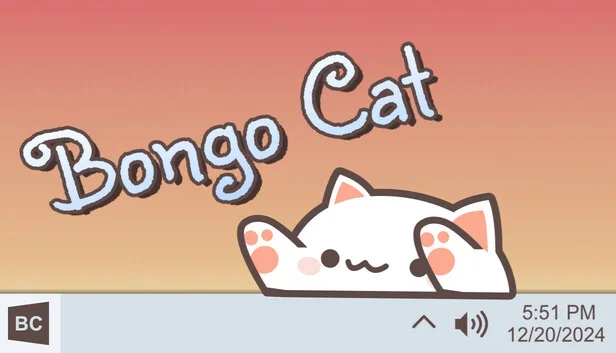
Bongo Cat
Free
1 offer
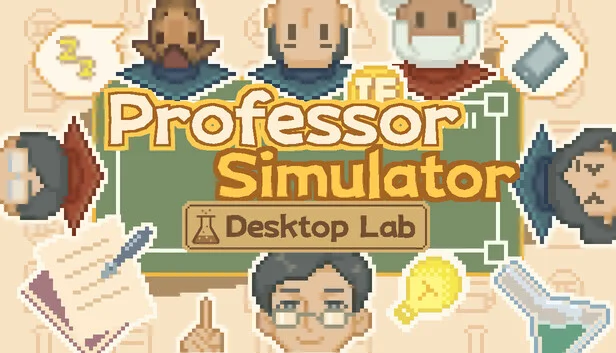
Professor Simulator
$7.99
1 offer
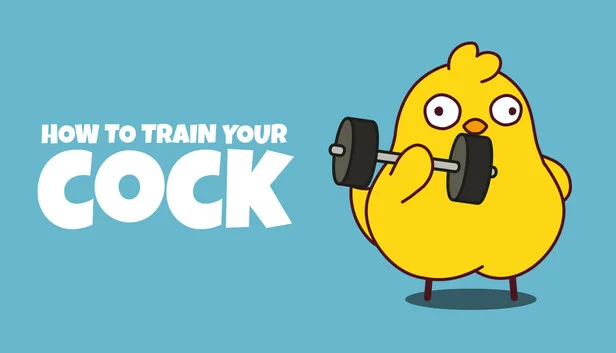
How to Train Your Cock
−53%$1.84
$3.995 offers
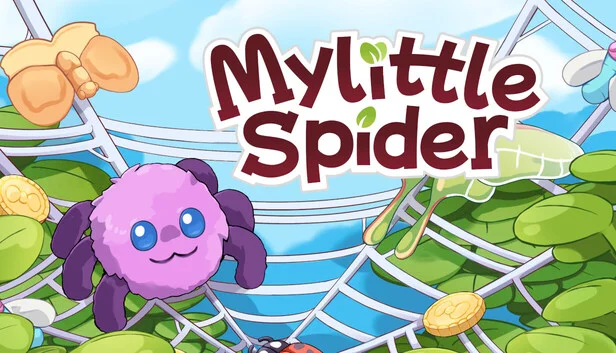
My Little Spider
−62%$1.87
$4.993 offers

The Dream Globe
$2.99
1 offer
Desktop Defender
−43%$2.83
$4.997 offers

Cornerpond
$2.99
1 offer

Fish to Dish: Idle Sushi
−30%$4.17
$5.997 offers

Cast n Chill
$14.99
1 offer

Book of Fei
$2.99
1 offer