

Delivery Simulator
Offers


Trailers & screenshots
1 / 8


About Delivery Simulator
Delivery Simulator puts you in the role of a delivery rider, taking orders from merchants to customers. You plan routes and can carry multiple orders at once, but late orders lose half their delivery fee. The number of available orders increases as you level up.
You can pick up orders to earn more in a short time, but any order you take must be delivered. Orders have different unit prices, and you can weigh their value against the distance: shorter routes pay more per unit and have a higher price.
Pick up and deliver
Orders appear on the right after you enter the game. Orders you accept go into “waiting for pickup”; select one to see its details, then go to the merchant’s cash register. Use “to the store” and wait a few seconds to collect the meal, then select “I have taken the meal” to move the order to “delivery.” Take it to the customer’s door and wait for them to collect it, then press “order delivery” to complete the delivery and receive the payment.
Navigate safely
Press Tab to switch between walking mode and mobile phone mode. The game cautions you not to look at your phone while walking. Press M to view the map and your location; it serves as an aid, while route-finding also depends on your own knowledge of delivery.
Frequently asked questions
The best price for Delivery Simulator is $4.99 at Steam. It is the only shop with an offer that activates in your country.
The minimum requirements for Delivery Simulator are: Windows 7, GeForce GTX 960, Intel Core i5-4430, 8 GB RAM, 5 GB storage. It runs on Windows only. The recommended specs are in the System requirements section.
No. Delivery Simulator is a single-player game.
Yes. Delivery Simulator is the full base game. You need nothing else to play it.
Steam lets publishers create keys to sell in other shops. Once you activate a key, the game is yours to keep, just like a store purchase.
Disclaimer: CD keys have an inherent 1–2% average failure rate. Check the shop terms for buyer protection info. Steam offers no buyer protection for keys bought in other shops and doesn't refund them.
Similar games
Streamer Daily
$9.99
1 offer
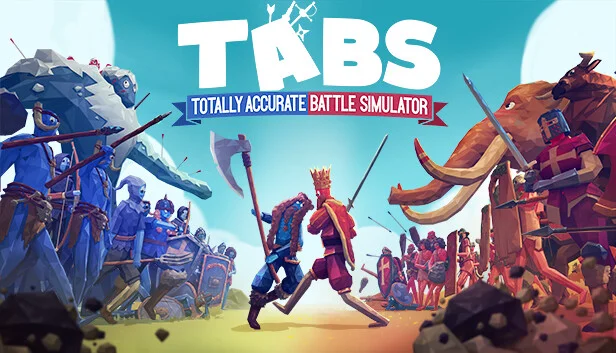
Totally Accurate Battle Simulator
−87%$3.92
$31.9816 offers
Ostriv
$24.99
1 offer
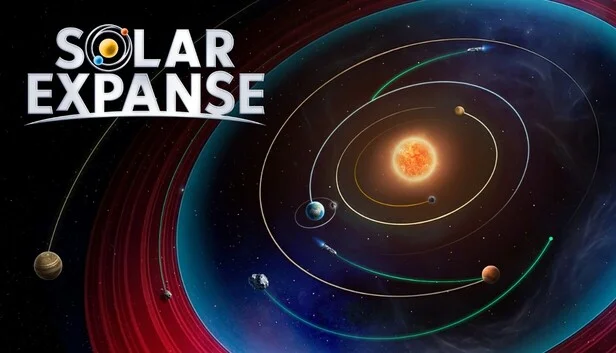
Solar Expanse
$17.99
1 offer
Car Manufacture
$19.99
3 offers
112 Operator
−92%$1.80
$24.9918 offers
Rescue Team
−53%$2.30
$4.997 offers
Farm Mania 2
−71%$1.40
$4.997 offers
Platform 8
−73%$1.06
$3.997 offers
Moai: Build Your Dream
−72%$1.91
$6.995 offers
Streamer Life Simulator
−90%$1.97
$19.989 offers
Global Rescue
$24.99
2 offers