

Builder VR
Offers


Trailers & screenshots
1 / 8


About Builder VR
Builder VR lets you create constructions and invent creative or sporting activities in virtual reality. You can build freely from blocks, assemble parts, add moving components and choose colors.
Build with blocks
The Free parts menu contains blocks with physical properties. You can move them freely, stack them, throw them or use some to align other objects. A scene can contain more than 1,000 of these objects.
Joint parts let you connect two or more blocks. To assemble them, hold one part still and carefully place the second part into it, then release both controls. Connected parts can be moved with another block or with your open hand. A scene can contain about 150 connected objects.
Add movement and color
Special parts are black and marked with an “S”. They add rotary or sliding movement to constructions, and different movement types can be combined. You can switch these functions on or off with the special feature button.
Choose a color before creating a block, or repaint parts later with the tool on your left-hand finger. The available choices include all basic colors and translucent material.
Manage your scene
Use the delete tool to remove individual parts, or clear all objects from the scene and start again. You can save a scene at any time, with 12 save slots available.
Frequently asked questions
The best price for Builder VR is $3.99 at Steam. It is the only shop with an offer that activates in your country.
The minimum requirements for Builder VR are: GeForce GTX 970, Intel Core i5-4590, 100 MB storage. It runs on Windows only. The recommended specs are in the System requirements section.
No. Builder VR is a single-player game.
Yes. Builder VR is the full base game. You need nothing else to play it.
Steam lets publishers create keys to sell in other shops. Once you activate a key, the game is yours to keep, just like a store purchase.
Disclaimer: CD keys have an inherent 1–2% average failure rate. Check the shop terms for buyer protection info. Steam offers no buyer protection for keys bought in other shops and doesn't refund them.
Similar games
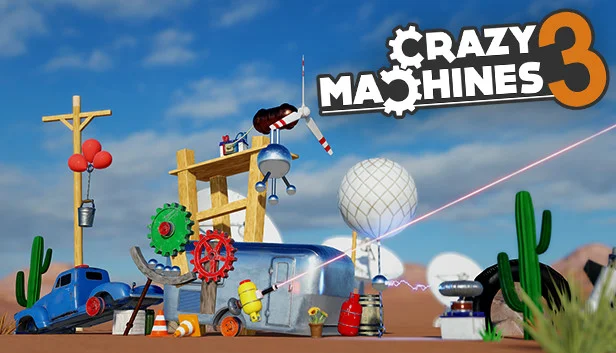
Crazy Machines 3
−96%$0.39
$9.9917 offers
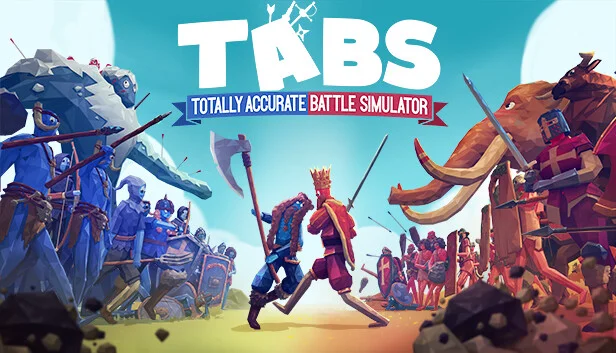
Totally Accurate Battle Simulator
−87%$3.92
$31.9816 offers

Planet Coaster
−90%$4.15
$44.9922 offers
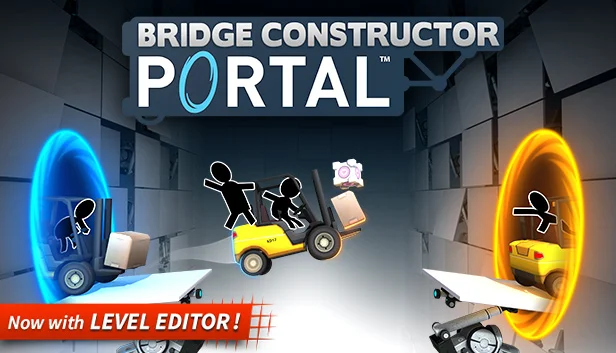
Bridge Constructor Portal
−91%$0.84
$9.9912 offers

Chroma Lab
$4.99
1 offer

Fun with Ragdolls: The Game
−98%$0.29
$14.9910 offers
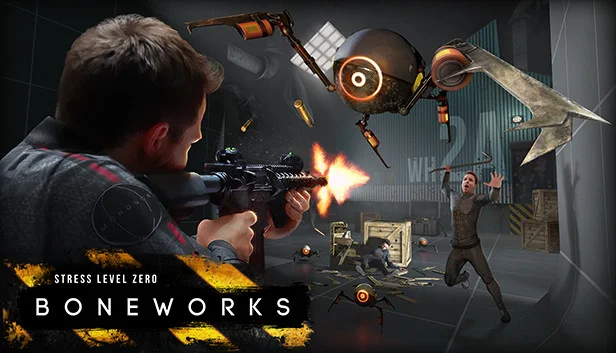
Boneworks
−39%$18.10
$29.9912 offers
Gadgeteer
−83%$2.44
$14.995 offers
Poly Bridge
−10%$8.97
$9.997 offers
No Limits 2
$39.99
1 offer

Final Approach
$14.99
1 offer
Ostriv
$24.99
1 offer