

Asteroid Forward
Offers


Trailers & screenshots
1 / 13


About Asteroid Forward
Asteroid Forward is a vertical-scrolling arcade action game for PC and mobile, and a spin-off from the Asteroid series. You fight enemies across levels in the Z9 Galaxy, using power-ups found in the environment and freeing planets under attack. You can replay levels to collect additional resources.
Game modes
The main campaign takes you through the available levels. In Exploration Mode, you keep playing after completing the campaign, moving forward against enemies and bosses, including some you may not have encountered before. You can aim for a higher score and earn rewards.
Black Hole Raids feature battles against new bosses. You can play solo or team up with a friend online to earn rewards.
Ships and upgrades
Playing the different modes earns Flact and Aquanium Gems. You can spend these resources in the Shop on ship styles and other useful items. Flact can also be used to upgrade your spaceship’s stats, including its health and the damage it deals to enemies. You earn Flact by playing the modes and opening Astronaut Crates.
Seasons and events
The Forward Pass has a free version with 7 rewards and a Premium version, which you can purchase with Aquanium Gems. The Premium Pass has 30 levels and includes 2 themed ship styles, Flact and Aquanium Gems. Daily missions help you level up and complete the current Pass; a new one arrives every two months.
New playable events arrive each month, with rewards such as exclusive ship styles and other resources.
Frequently asked questions
Yes. Asteroid Forward is free to play on Steam, so there is nothing to buy to start playing.
The minimum requirements for Asteroid Forward are: Windows 10, 4 GB RAM, 500 MB storage. It runs on Windows only. The recommended specs are in the System requirements section.
Yes. Asteroid Forward has multiplayer and a single-player mode. It supports online co-op. Players on different platforms can play together.
Yes. Asteroid Forward is the full base game. You need nothing else to play it.
Similar games
Shotgun Legend
−50%$0.49
$0.996 offers
Orion Sandbox Enhanced
−40%$1.19
$1.991 offer
Crysis 3 Remastered
−91%$2.47
$29.9916 offers
Crisis Core: Final Fantasy VII - Reunion
−55%$22.46
$49.9912 offers
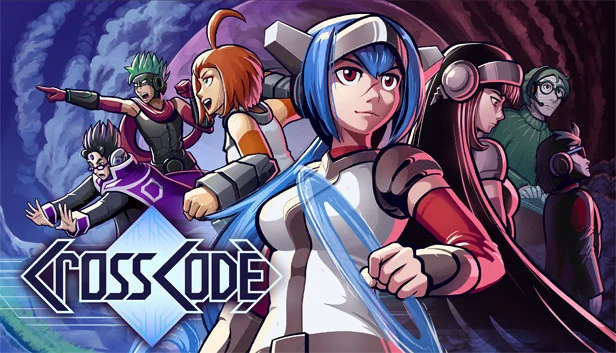
CrossCode
−69%$6.15
$19.9913 offers
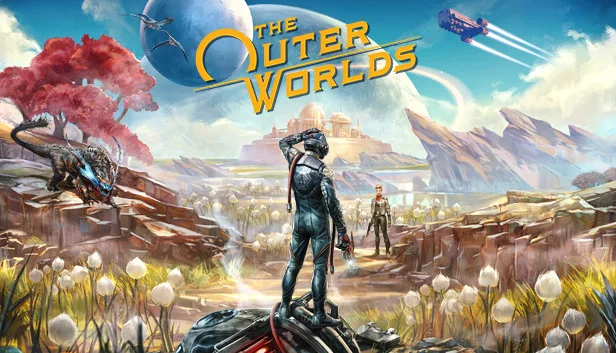
The Outer Worlds
$23.76
6 offers
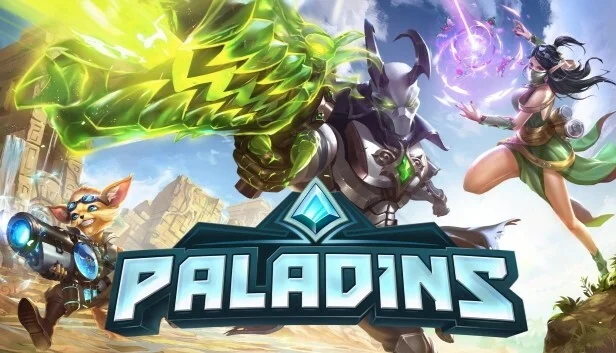
Paladins
Free
1 offer
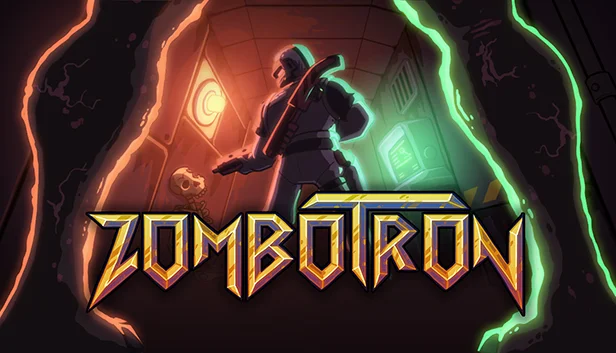
Zombotron
−36%$9.59
$14.999 offers
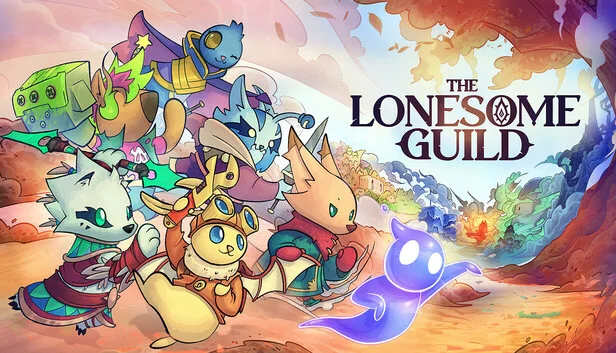
The Lonesome Guild
−30%$17.49
$24.994 offers
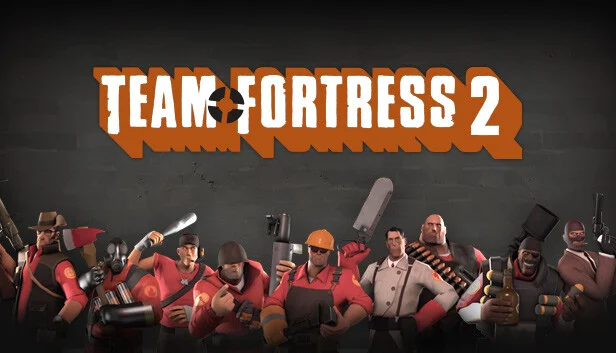
Team Fortress 2
Free
1 offer
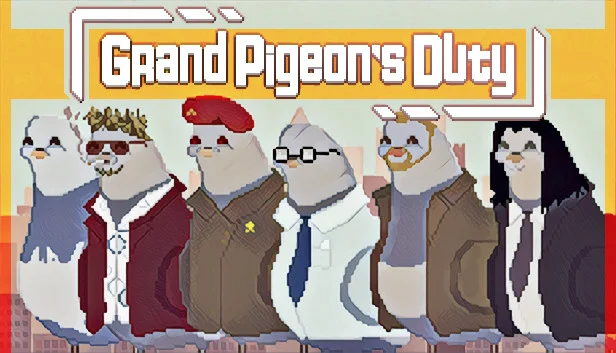
Grand Pigeon's Duty
−86%$0.53
$3.997 offers
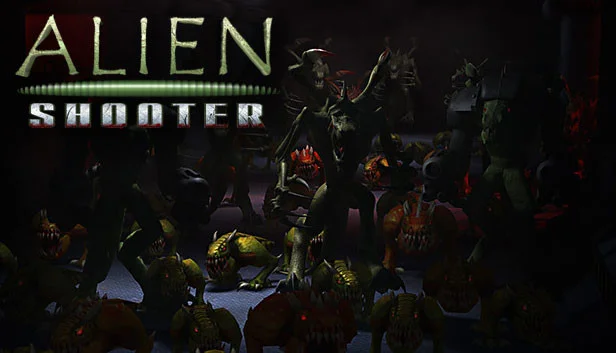
Alien Shooter
−23%$3.81
$4.997 offers